

Julian Thorne
Crypto analyst and guide author. Making complex technologies clear for everyone.
How to Buy USDT with Zelle
One of the most convenient systems for quick payments is Zelle. It is integrated into the apps of almost all major banks and allows users to send money instantly to friends or acquaintances. However, when it comes to buying USDT or other cryptocurrencies, many people encounter questions. In this article, we will walk you step-by-step through how to combine the convenience of Zelle transfers with the opportunities of digital assets.
 Buy USDT now with your bank cardPurchase USDT on Cryptomus with a card in a few clicks. Secure payments, fast execution, and simple interface.
What Is Zelle?
Zelle is a special service for instant money transfers that works within the U.S. banking system. Essentially, it is not a standalone wallet but a network created by the largest U.S. banks, allowing their customers to send money to each other within minutes. You only need the phone number or email address of the person to send money. By early 2026, Zelle is used by millions of people and is connected to over 2,300 banks and credit unions across the country.
Does Zelle Support USDT?
Zelle was created by banks to only work with regular U.S. dollars, and inside the banking app, you won’t find a button "Buy Cryptocurrency." Nevertheless, it is not possible to buy USDT directly within the Zelle app as of today, but you can use Zelle as a payment method on specialized trading platforms—P2P exchanges, or other on-ramp services.
How to Buy USDT with Zelle?
The most reliable way to make such a purchase is by using a P2P exchange. It is much like a regular market: you find a seller, agree on the price, and transfer money to them via Zelle. In return, they will send USDT to your crypto wallet. In this scheme, the exchange acts as a fair intermediary, ensuring no one gets scammed.
Step 1:
You first need to choose a reliable P2P exchange. When selecting a platform, pay attention to factors such as security, user reviews, and commission rates. Make sure the chosen exchange supports Zelle as a payment method.
Step 2:
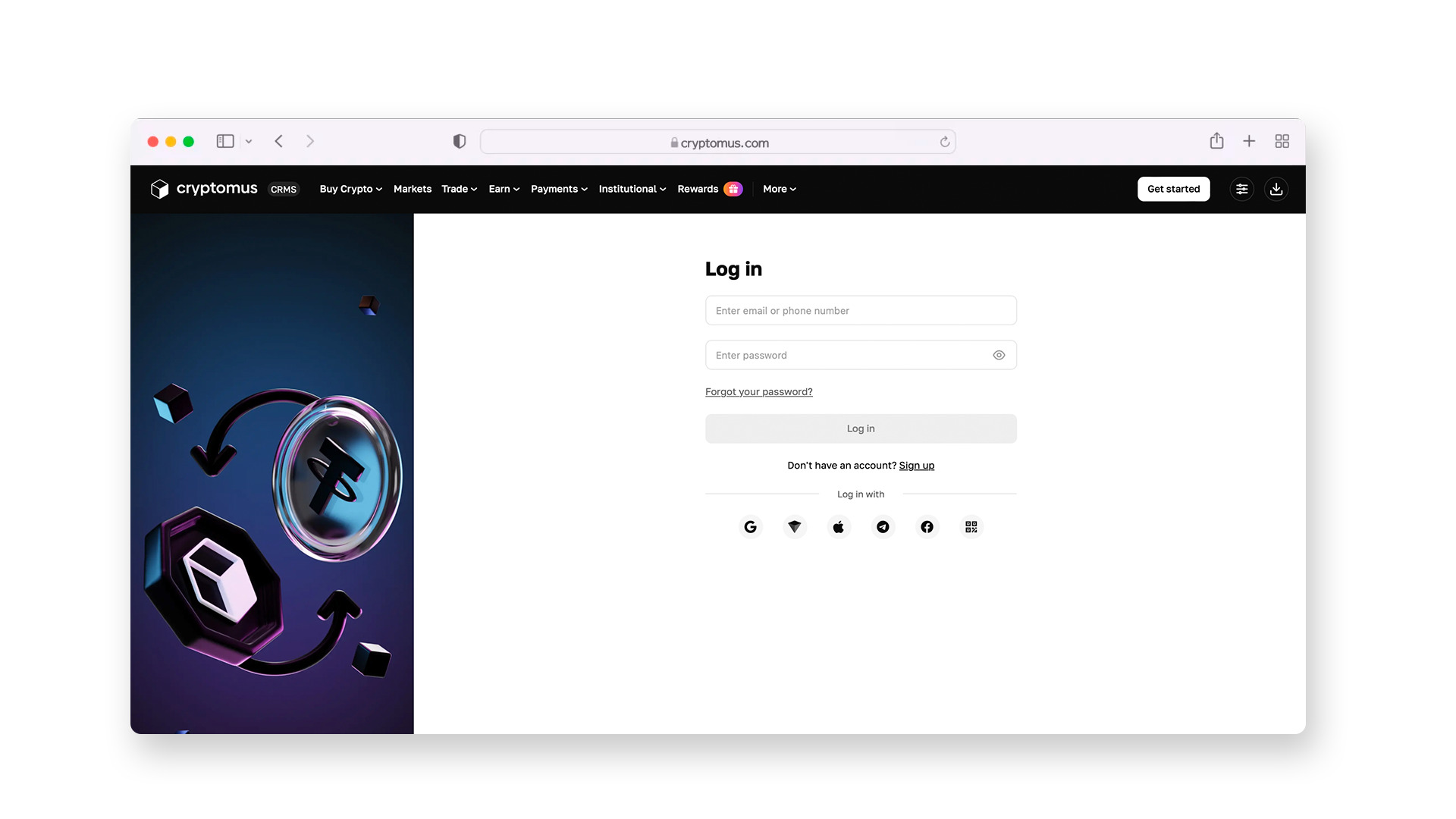
Next, register on the platform and create an account, providing your name, phone number, and email address.
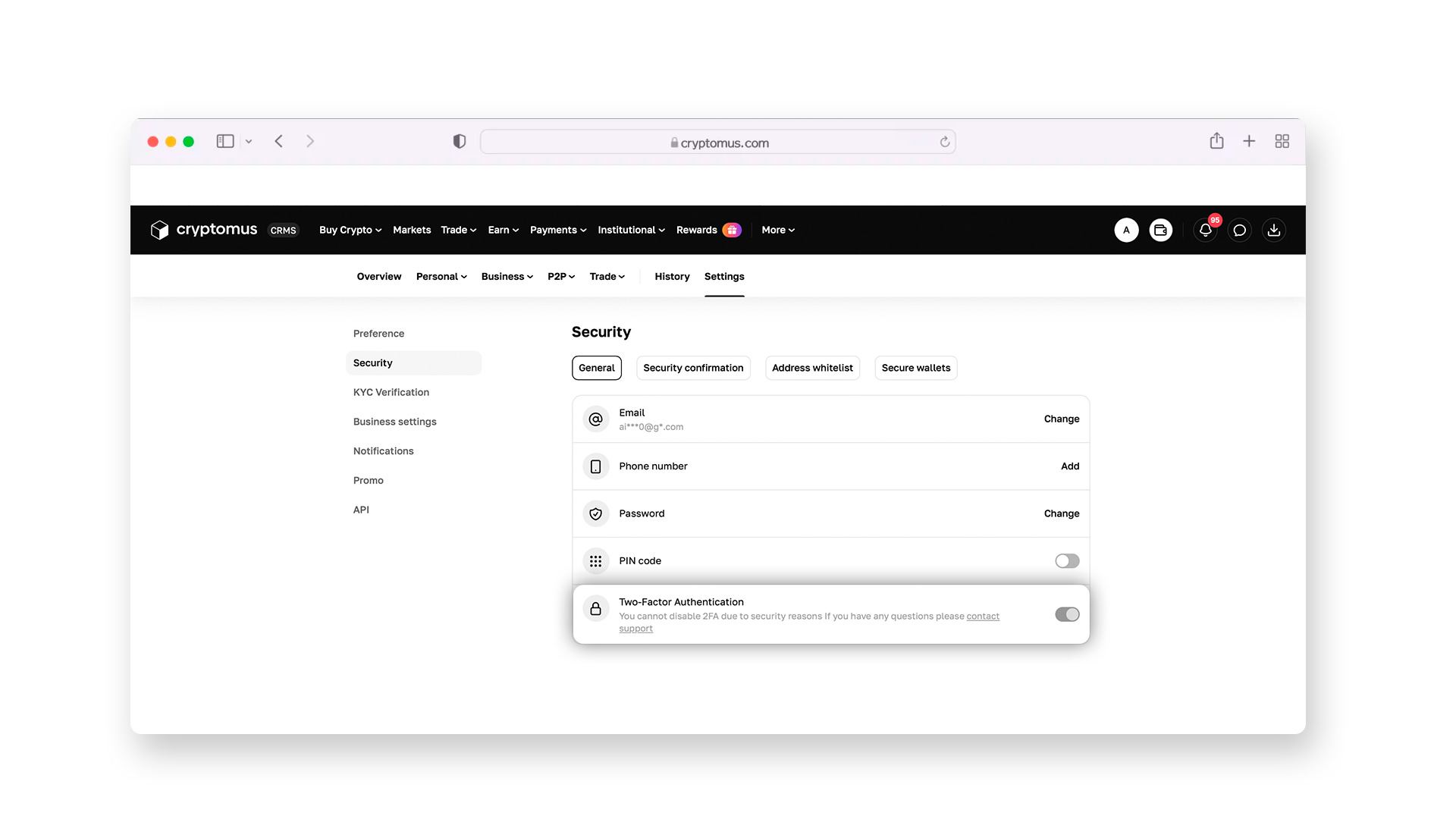
Then, enable two-factor authentication (2FA). This security feature will require a one-time code from an app on your phone to access your wallet or send funds. This is crucial: even if someone learns your password, they cannot steal your funds without access to your mobile device.
Step 3:
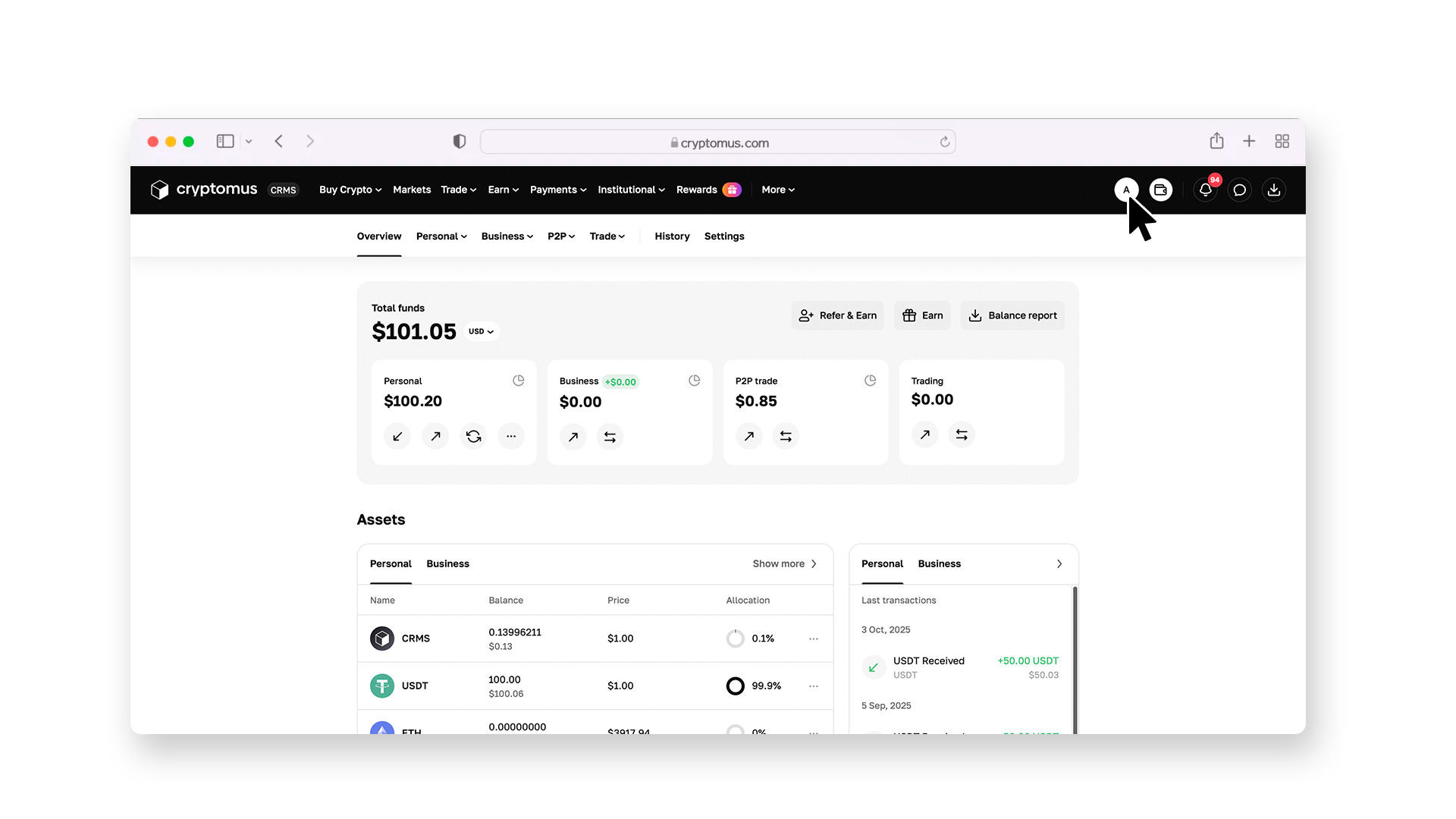
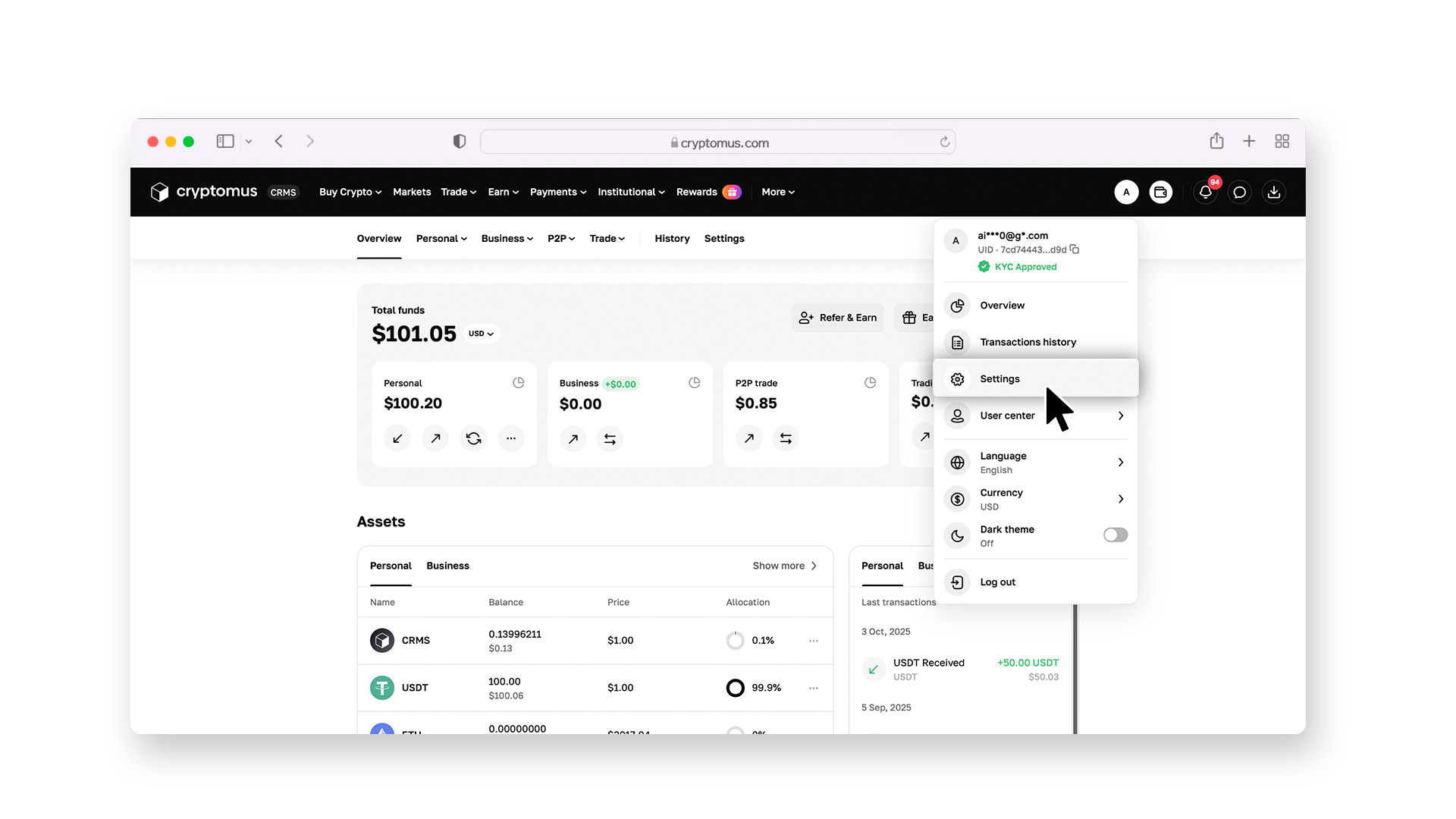
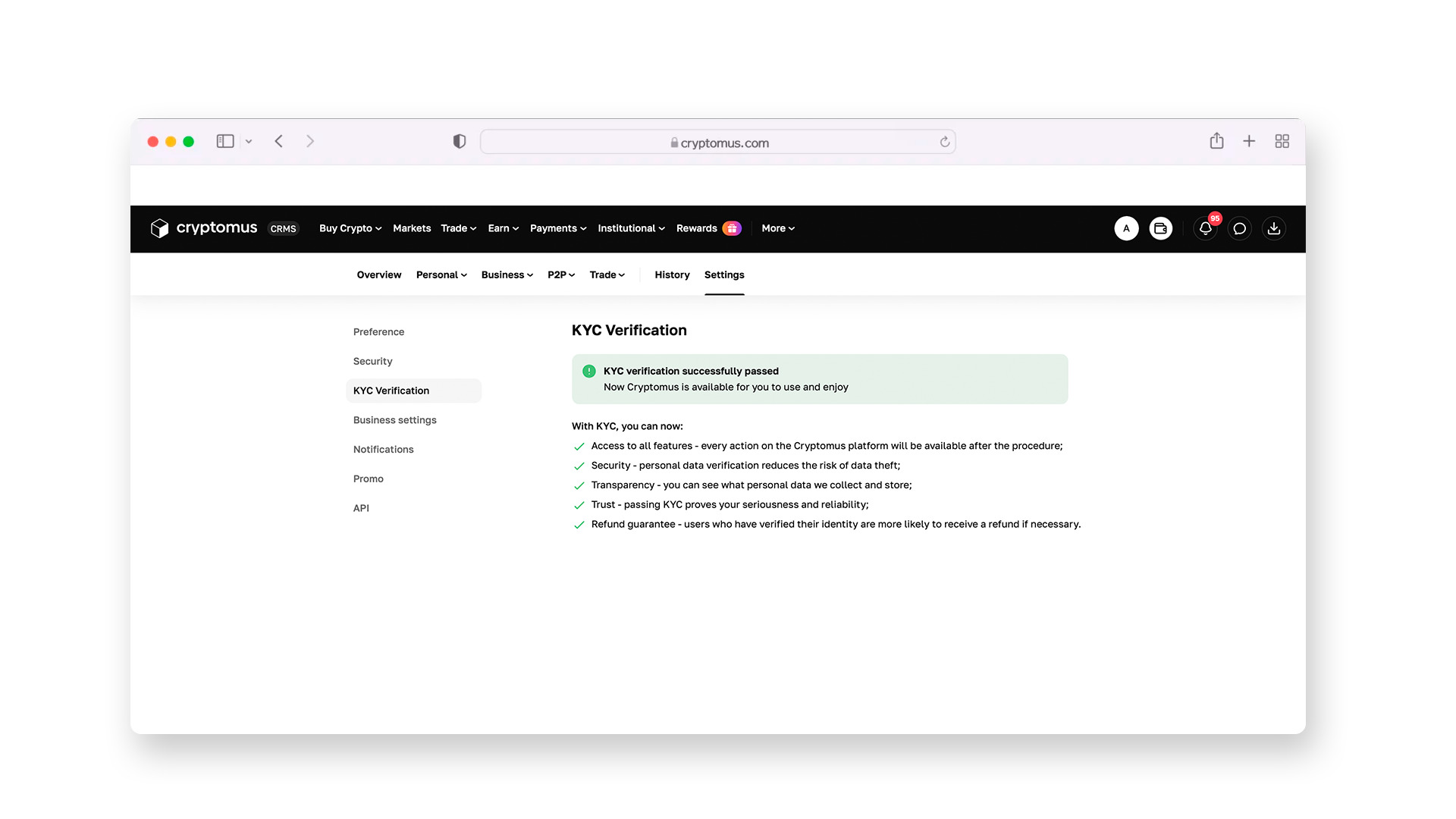
To trade on the exchange, you must complete the KYC procedure. You will need to take a photo of your passport and a selfie directly in the app. The system will automatically verify your identity. After this, you will receive a verified user status and be able to make transactions.
Step 4:
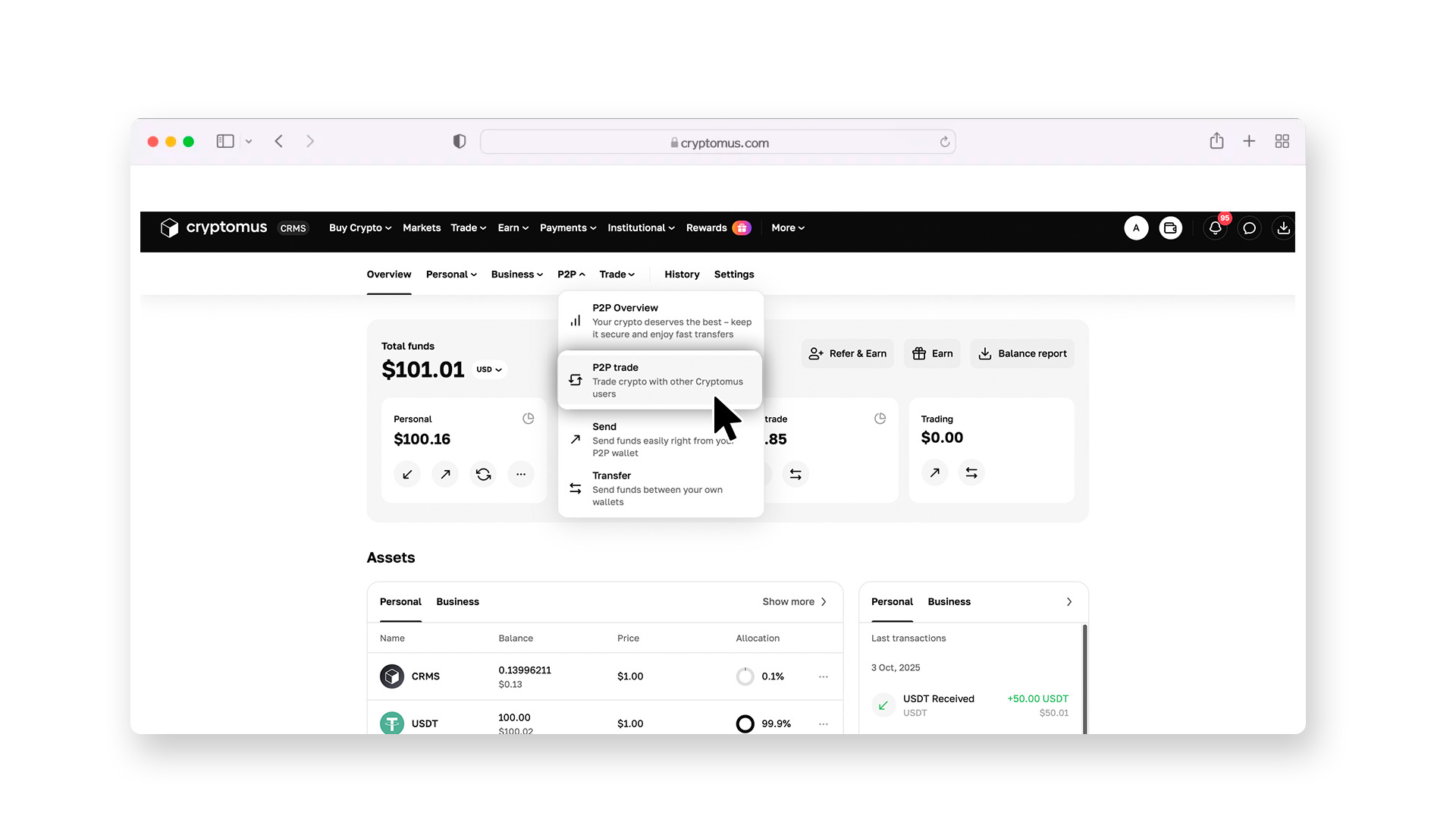
Go to the P2P section.
Here, you will see a list of offers from people selling cryptocurrency. To avoid confusion, set up filters: specify that you want to buy USDT, choose the currency for payment (e.g., USD), and select Zelle as the payment method.
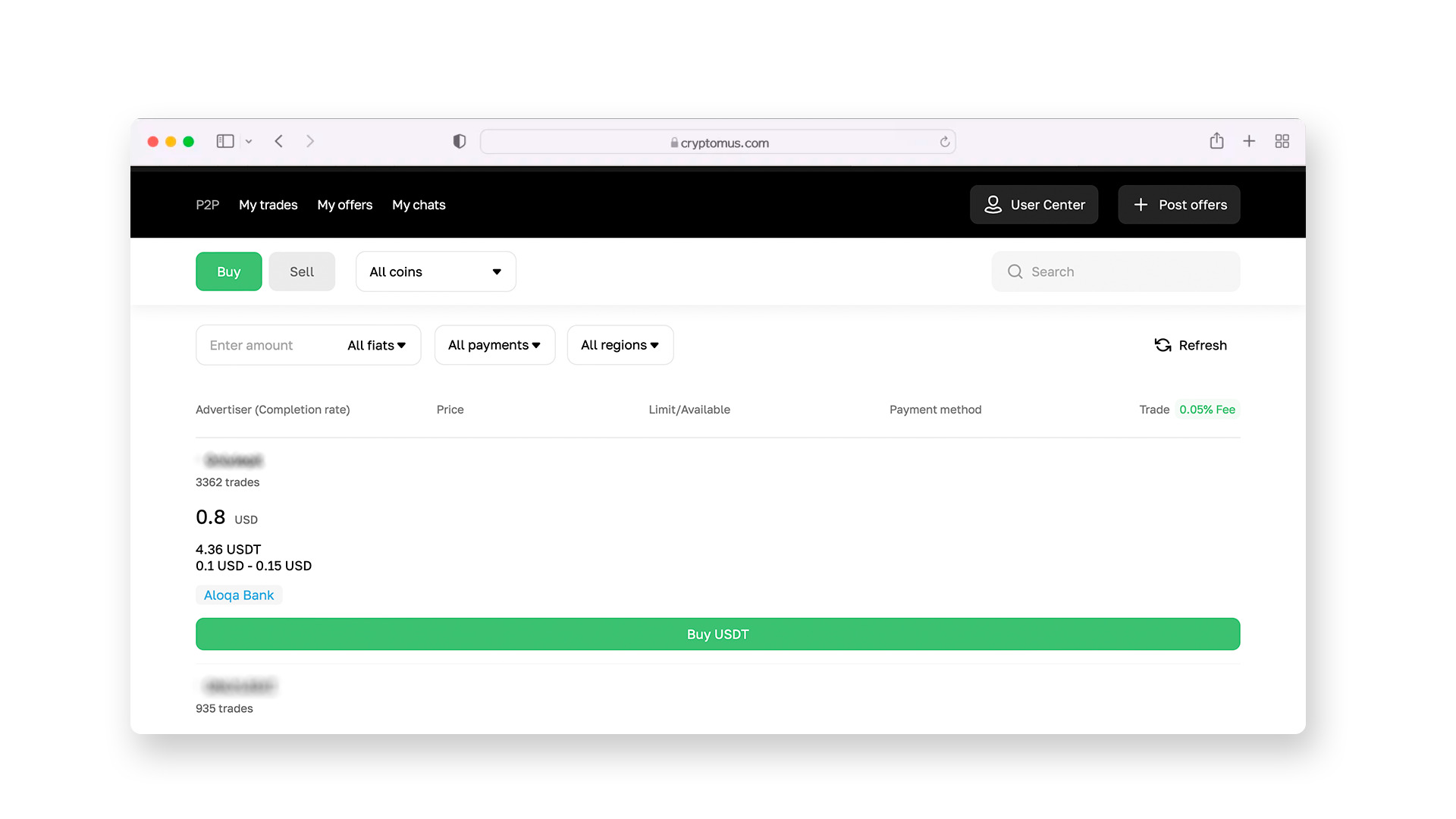
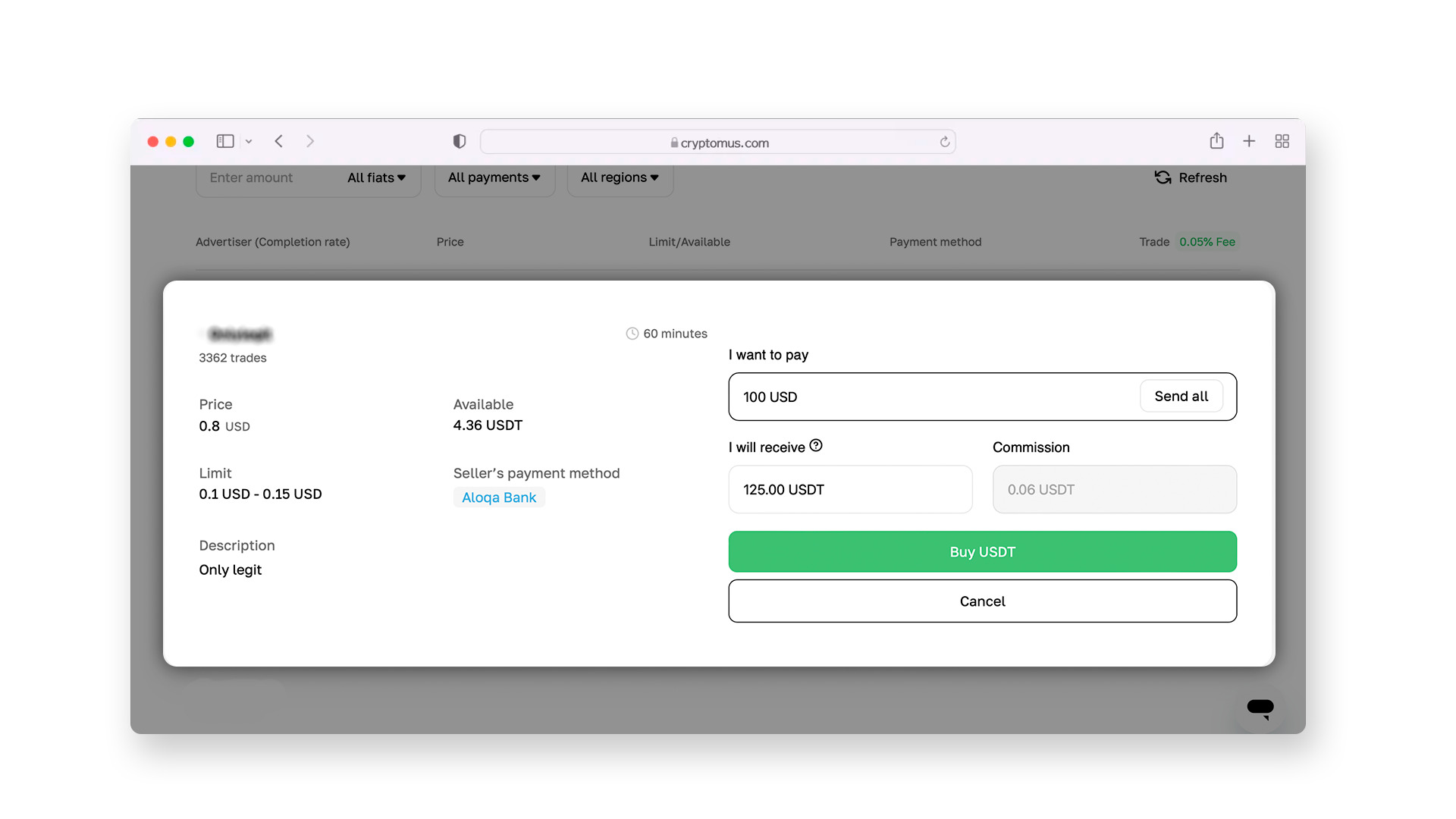
When selecting a seller, pay attention to their reputation. A good seller is one who has successfully completed over 90% of transactions and has positive reviews from other users.
Step 5:
After selecting a seller, a chat will open where you can discuss the terms of the transaction. The seller will provide their contact information (phone number or email address) to transfer funds through Zelle.
After you reach an agreement with the seller and click the "Buy" button, the exchange automatically locks the required amount of USDT in the seller's account. This is called an escrow system. The seller will not be able to withdraw their coins until the transaction is completed, completely protecting you from fraud.
Step 6:
After sending the money via Zelle, be sure to take a screenshot of the payment receipt. Return to the Cryptomus page and click the "I Paid" button. Once the seller sees the funds in their account and confirms receipt, the USDT will be instantly credited to your exchange wallet.
How to Send USDT?
Once you have successfully bought USDT, they will be stored in your exchange wallet. Now you can do whatever you want with them: leave them there for safekeeping, send them to a friend, or pay for a service. The process of transferring funds on the Cryptomus exchange is very logical and consists of a few simple steps:
1. Get the recipient's address. First, ask the person you're sending the transfer to provide you with their crypto wallet address. Be sure to clarify which network (blockchain) they plan to accept the funds in.
2. Go to your wallet. In your personal Cryptomus wallet, find and click the “Send” button.
3. Enter the details. From the list of available options, select USDT. Paste the recipient’s address that you copied earlier into the special field. Be very careful here: in the digital world, there are viruses that can change the addresses in your clipboard just before you paste them. Therefore, always manually check the first and last 5 characters of the address in the input field—they should match exactly with what was sent to you.
4. Select the network. Choose the network you agreed on earlier (most commonly Tron/TRC-20 or Ethereum/ERC-20). Remember: if you send the funds in the wrong network, they could be lost forever.
5. Specify the amount. Enter the amount of USDT you want to send. Keep in mind that the blockchain charges a small fee for the transaction (network fee). For example, if you need exactly 100 USDT to reach the person, and the fee is 1 USDT, you should send 101 USDT. On Cryptomus, the fee is calculated automatically, and you will see the amount before sending.
6. Confirm the transfer. For security purposes, the exchange will ask you to enter a confirmation code (2FA) that will be sent to your protection app. Once you enter the code, the system will process your transfer.
To ensure your interaction with cryptocurrency is always successful, follow three golden rules: activate all possible account protection settings, work only with sellers who have a high rating, and always check the address and network before clicking the send button. With this approach, using USDT will become as easy and safe an everyday habit as regular bank transfers.
Buying and sending USDT with Zelle is a convenient way to enter the modern financial market. It is important to understand that Zelle and the Tether blockchain are two different systems that operate according to their own rules. Using reliable P2P platforms serves as a kind of link that combines the familiar convenience of banking apps with the global possibilities of digital dollars.
We hope this guide has helped you understand all the nuances of working with Zelle and USDT. If you have any additional questions or want to share your experience, feel free to leave a comment!


