

Julian Thorne
Crypto analyst and guide author. Making complex technologies clear for everyone.
How to Buy USDT with American Express
American Express (AMEX) is a global payment system known for its high level of security and premium services. Today, AMEX cards can be used not only for regular purchases or travel but also to buy cryptocurrencies like USDT. In this guide, we will explain how to do this easily and without unnecessary risks.
Does American Express Support USDT?
American Express does not directly support the purchase of cryptocurrencies, including USDT. However, AMEX cards are often accepted on third-party crypto platforms, such as P2P exchanges. While direct purchases through the AMEX banking app are not available, the payment system allows transactions via these services that act as intermediaries for cryptocurrency purchases.
How to Buy USDT with American Express?
You can use your AMEX card as a payment method on trusted P2P exchanges or other services to purchase USDT.
In this article we'll explore the most effective method—using a P2P platform. The process works as follows: you find a seller who is willing to accept payment for crypto via AMEX and transfer the funds. The exchange acts as an escrow service, holding the seller’s coins until they confirm receipt of your payment.
Let’s look at this process using the example of the Cryptomus platform.
Step 1:
Choose a reliable P2P exchange, evaluating its reputation, security level, and fee structure. Be sure to check if payment via American Express is available.
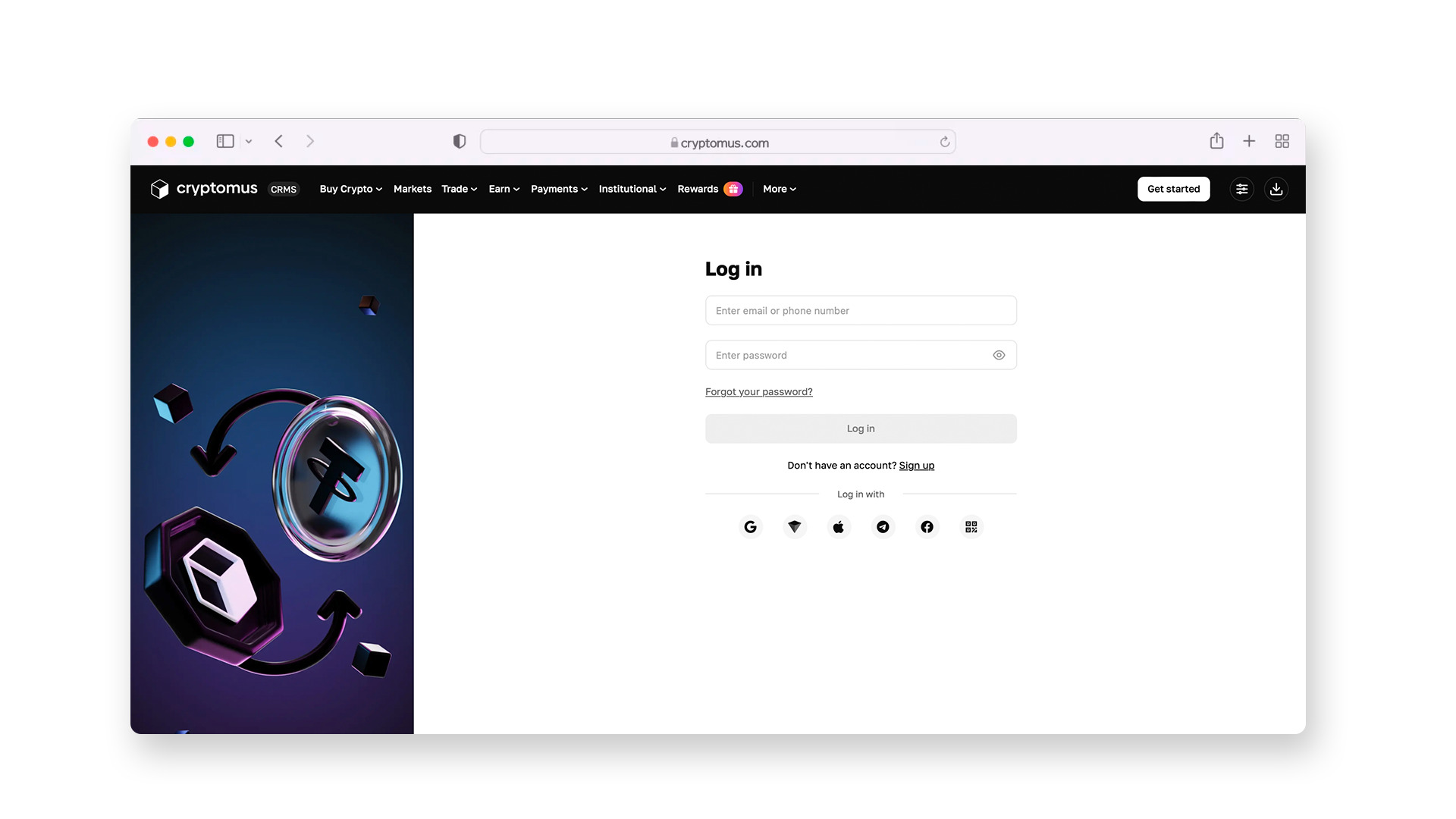
Step 2:
Register by providing your name, phone number, and email address.
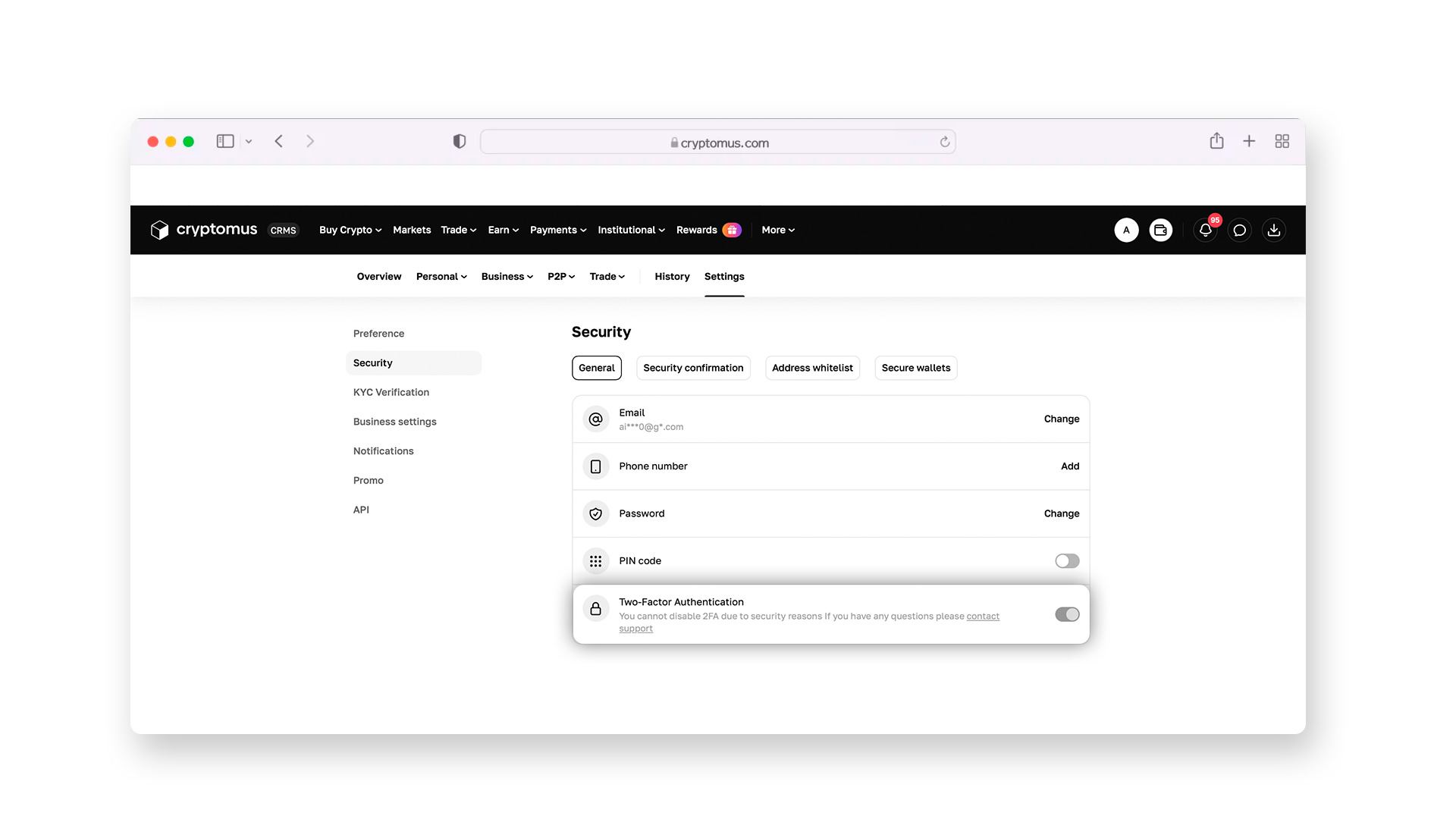
For account protection, be sure to enable two-factor authentication (2FA). With this, a temporary code from your smartphone app will be required to log in or withdraw funds, securing your assets even if someone learns your password.
Step 3:
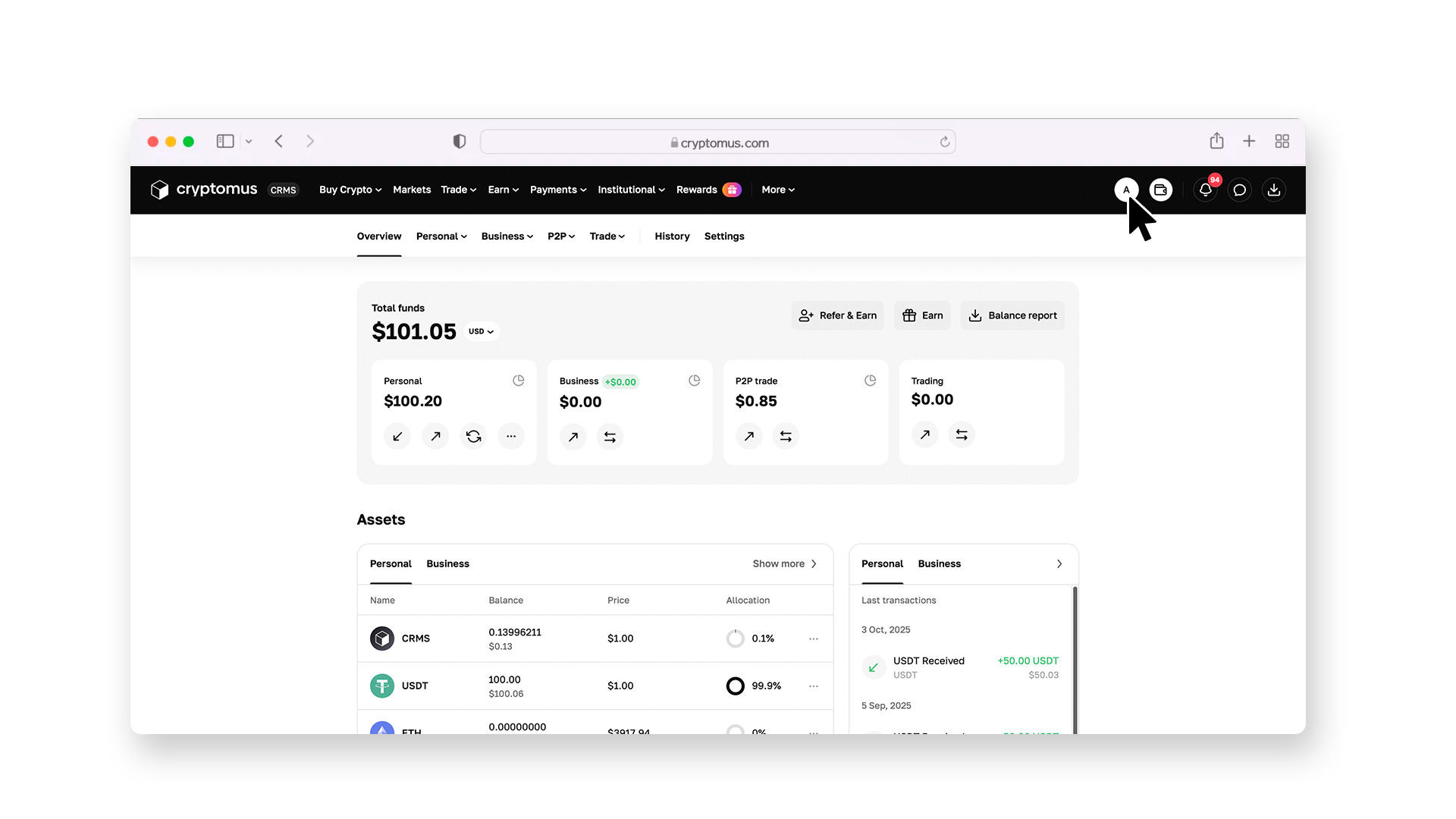
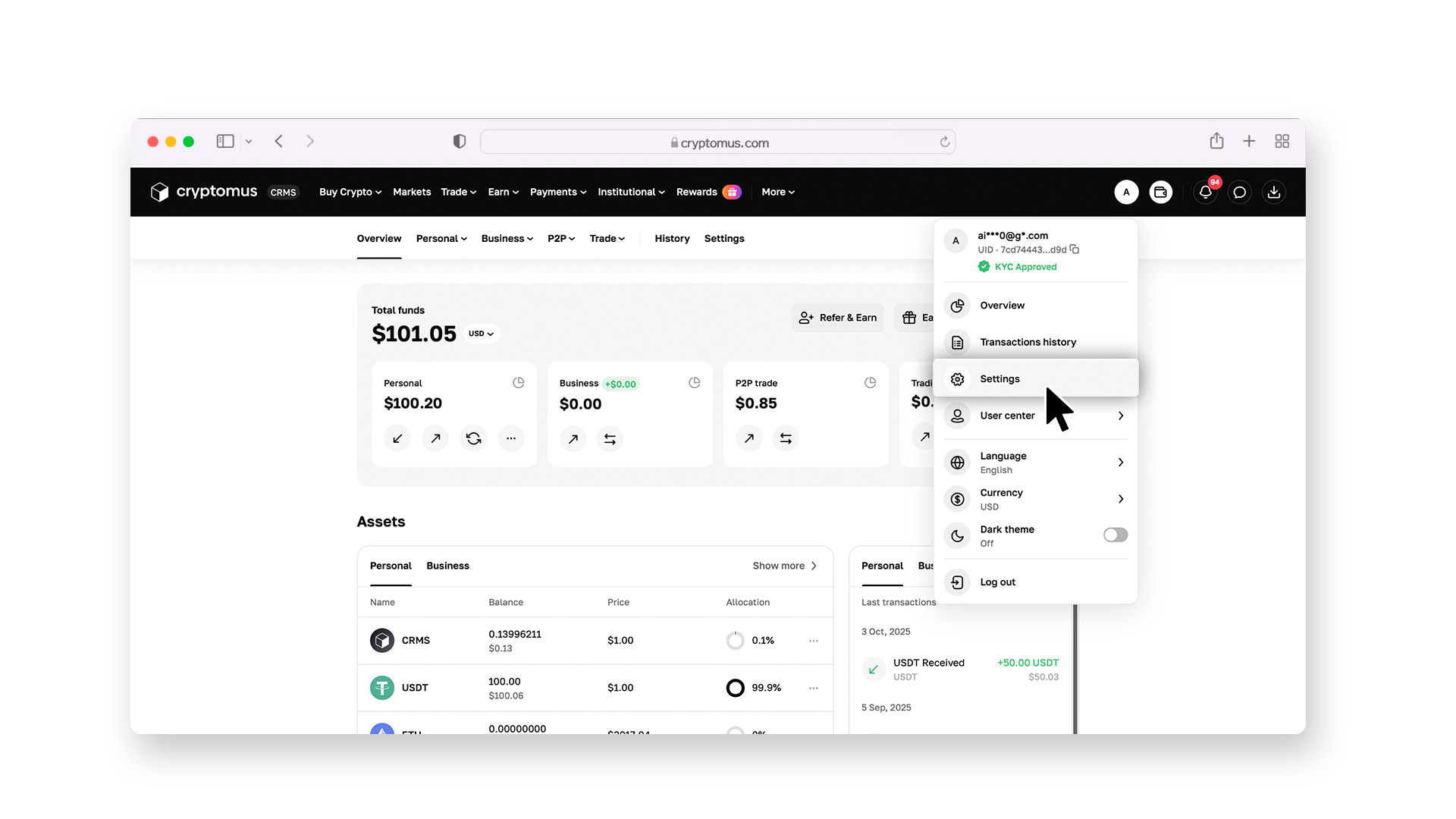
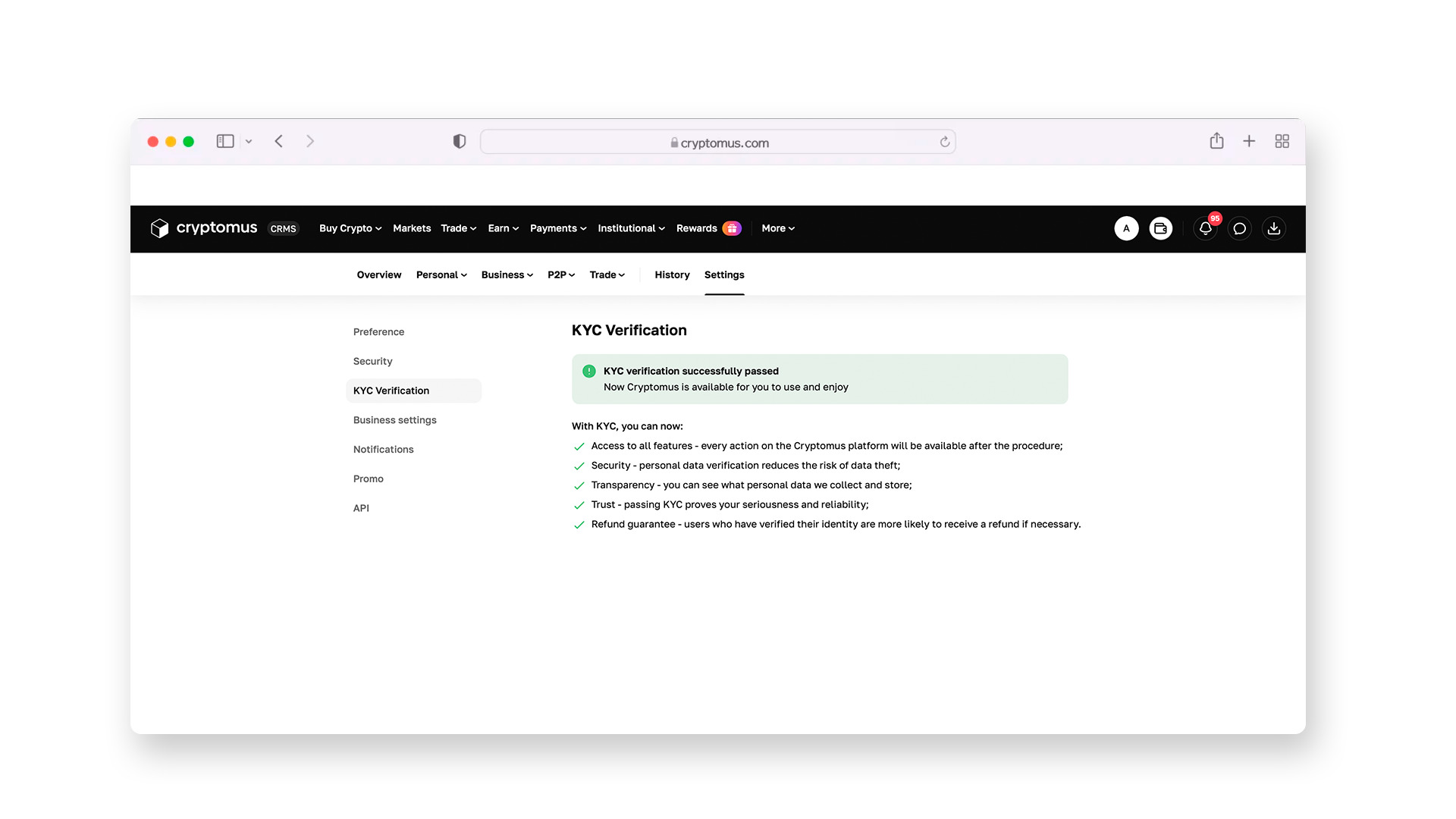
To start trading, you need to undergo KYC verification. You will need to upload a photo of an identity document and take a selfie. After a quick automated check, all trading functions will be available.
Step 4:
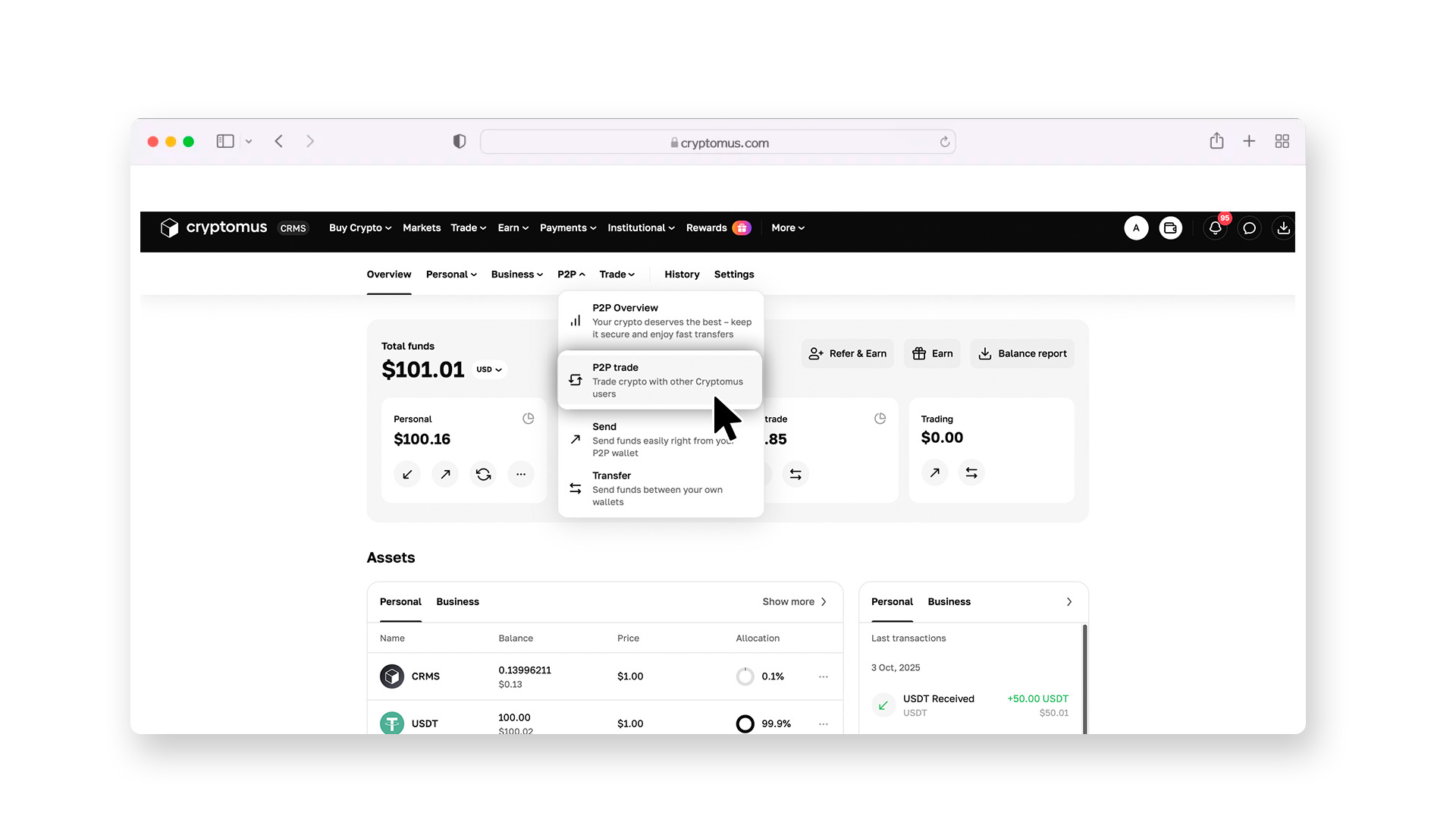
Go to the P2P section.
Set up the search filters: choose to buy USDT, specify your currency (e.g., USD or EUR), and select AMEX as the payment method.
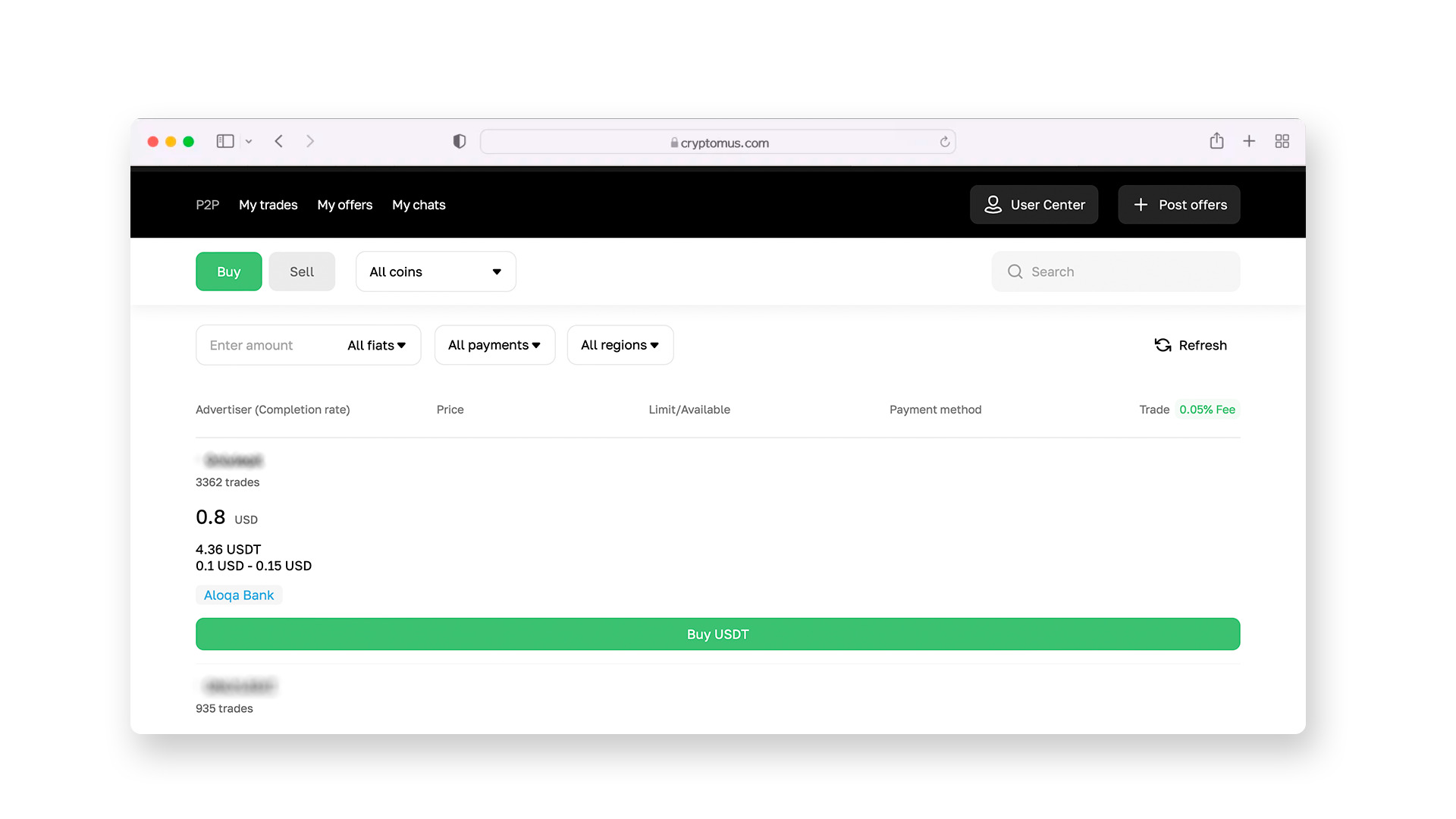
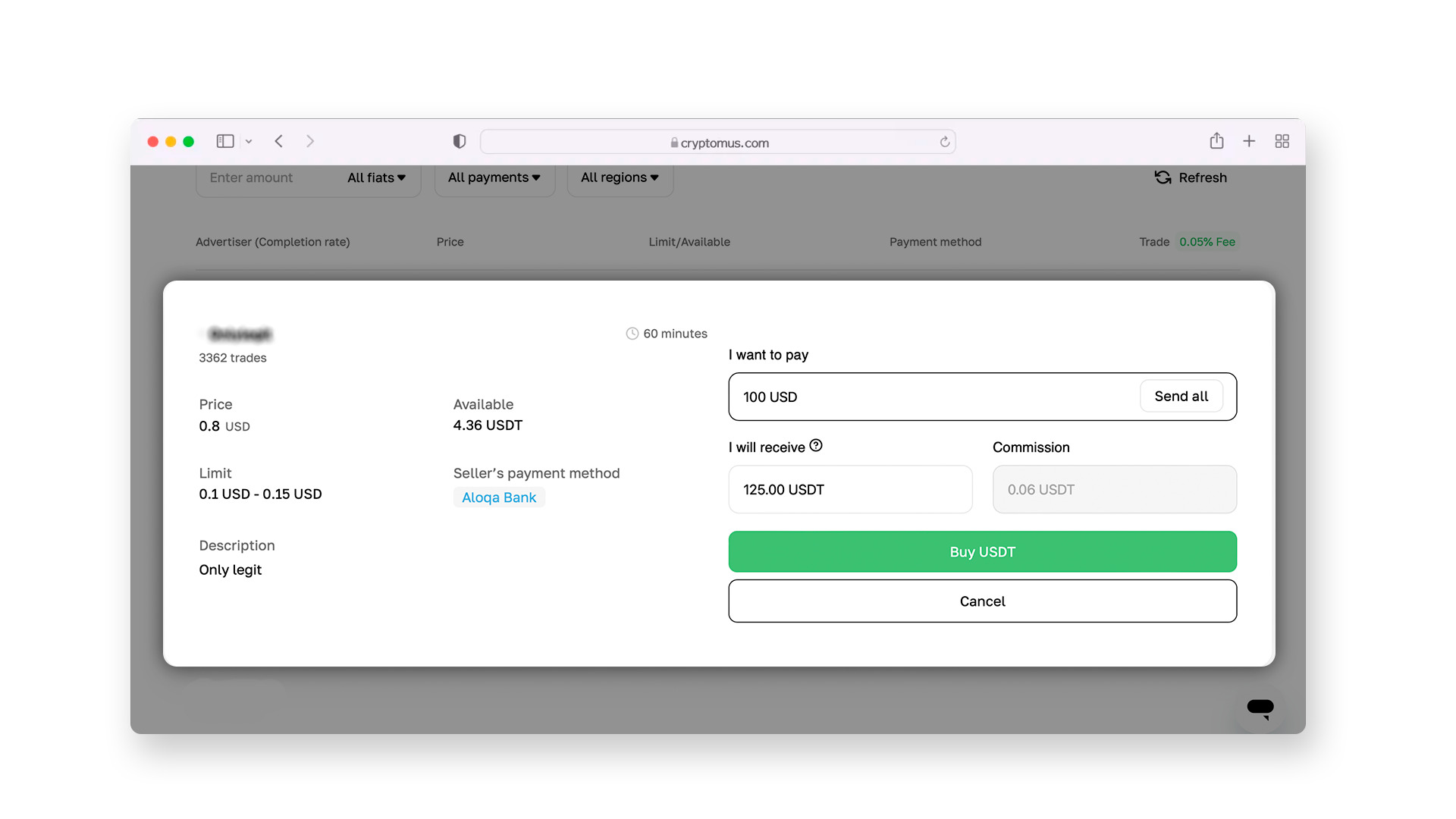
In the list of offers that appears, choose sellers with good ratings and a high number of successfully completed transactions (preferably from 90% and above).
Step 5:
Once you’ve found a suitable offer, proceed with the transaction. A chat with the seller will open, where you can clarify transaction details, and then they will provide payment details for AMEX.
Once you initiate the purchase, the exchange will lock the USDT in the seller’s account (escrow system). This guarantees that you will receive the cryptocurrency as soon as the seller confirms receiving the payment.
Step 6:
Open the AMEX app, select "Send funds," and enter the recipient's details. After transferring funds, click “I paid" on the P2P platform. Once the seller confirms the transaction, the USDT coins will be instantly credited to your wallet.
 Buy cryptocurrencies easilyMake your first crypto purchase with a card in just a few clicks, with fast processing and a simple buying experience.
How to Send USDT?
After purchasing, you can either store the USDT in your wallet or transfer them to another user. On Cryptomus, this is done as follows:
1. Prepare the details. Ask the recipient for their wallet address and the network they use.
2. Go to the wallet. In your Cryptomus wallet, select the “Send” function.
3. Enter the address. Paste the recipient’s address. It is recommended to check the first and last few characters to avoid errors when copying.
4. Select the network. It’s extremely important to select the same network that the recipient has specified (e.g., Tron TRC-20 or Ethereum ERC-20). A mistake in choosing the network could lead to irreversible loss of funds.
5. Enter the amount. Specify the amount of USDT to send. The system will automatically calculate the blockchain network fee, and you will see the final amount before confirming the transaction.
6. Confirm the transaction. Enter the 2FA code to complete the transaction. After that, the system will send your funds.
Always remember three rules: use all profile security tools, work only with trusted sellers, and carefully check the details before sending coins. By following these guidelines, using USDT with your AMEX card will be as convenient and secure as regular banking transactions.
Although American Express and blockchain are different financial worlds, services like Cryptomus allow them to work together. This provides you with the ability to use the reliability of your card to access flexible digital assets anywhere in the world.
We hope this material was helpful. If you have any questions, feel free to discuss them in the comments!


