

Julian Thorne
Crypto analyst and guide author. Making complex technologies clear for everyone.
How to Buy USDT with UPI
UPI (Unified Payment Interface) is an Indian instant payment system that is used by almost everyone in India today. You can transfer funds or pay for purchases in seconds simply by scanning a QR code. You can also use UPI to buy cryptocurrencies, such as USDT. In this article, we'll walk you through the steps to do this easily and securely.
How to Buy USDT with UPI?
You can’t buy USDT directly in the UPI app. Banks only work with regular Indian rupees and don’t sell cryptocurrency within their apps. However, you can use UPI as a payment method on specialized trading platforms, P2P exchanges, or other on-ramp services.
The most reliable option is a P2P exchange. Here’s how it works: you find someone on the exchange who wants to sell USDT, and you transfer INR to them via UPI. The exchange acts as a neutral intermediary, ensuring the seller doesn’t disappear with your money and that you receive your coins.
 Buy cryptocurrencies easilyMake your first crypto purchase with a card in just a few clicks, with fast processing and a simple buying experience.
Step 1:
First, choose a reliable P2P exchange. When selecting a platform, pay attention to security, user reviews, and fees. Make sure the chosen exchange supports UPI as a payment method.
Step 2:
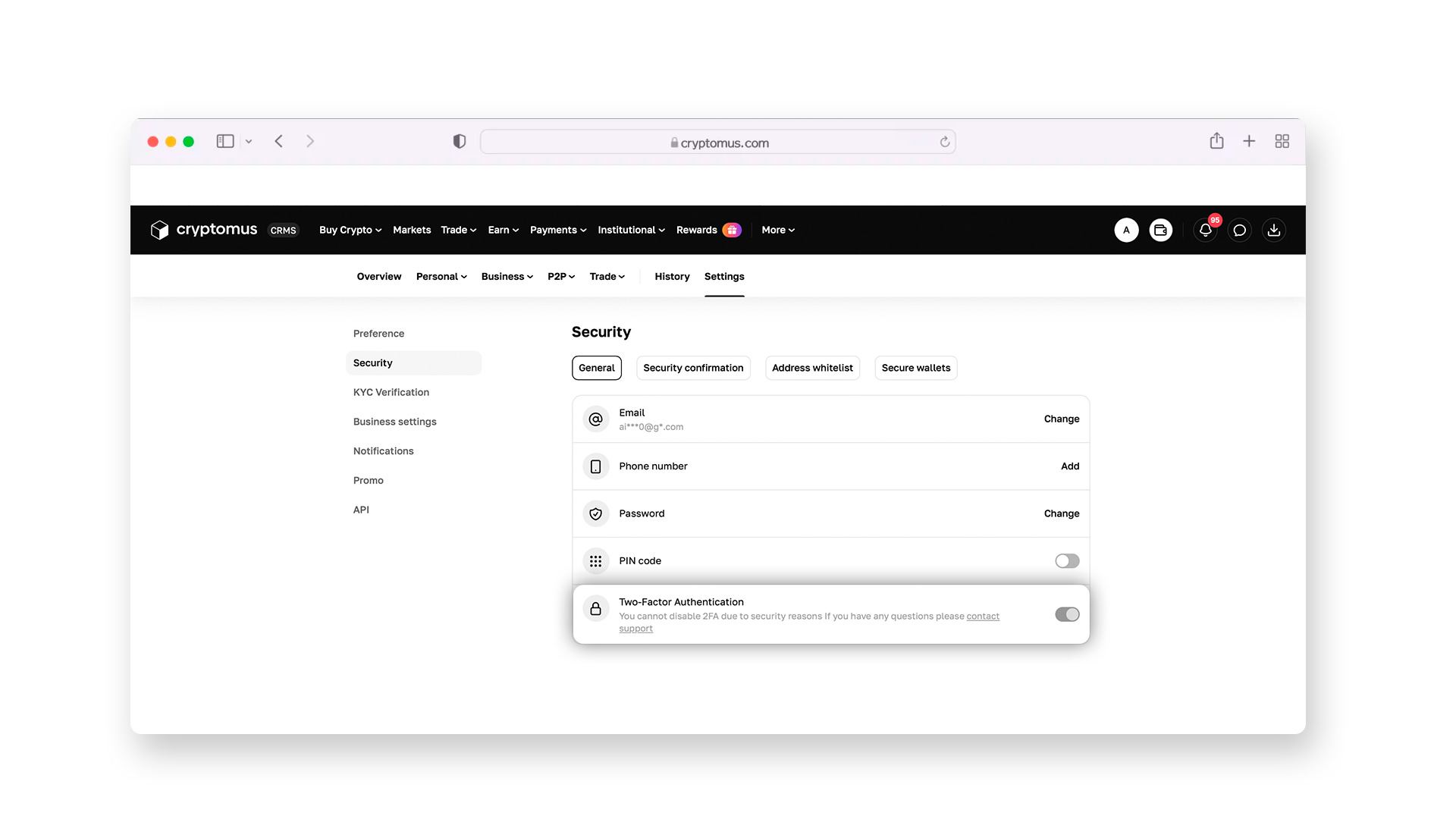
Register on the selected platform by providing your name, email address, and phone number.
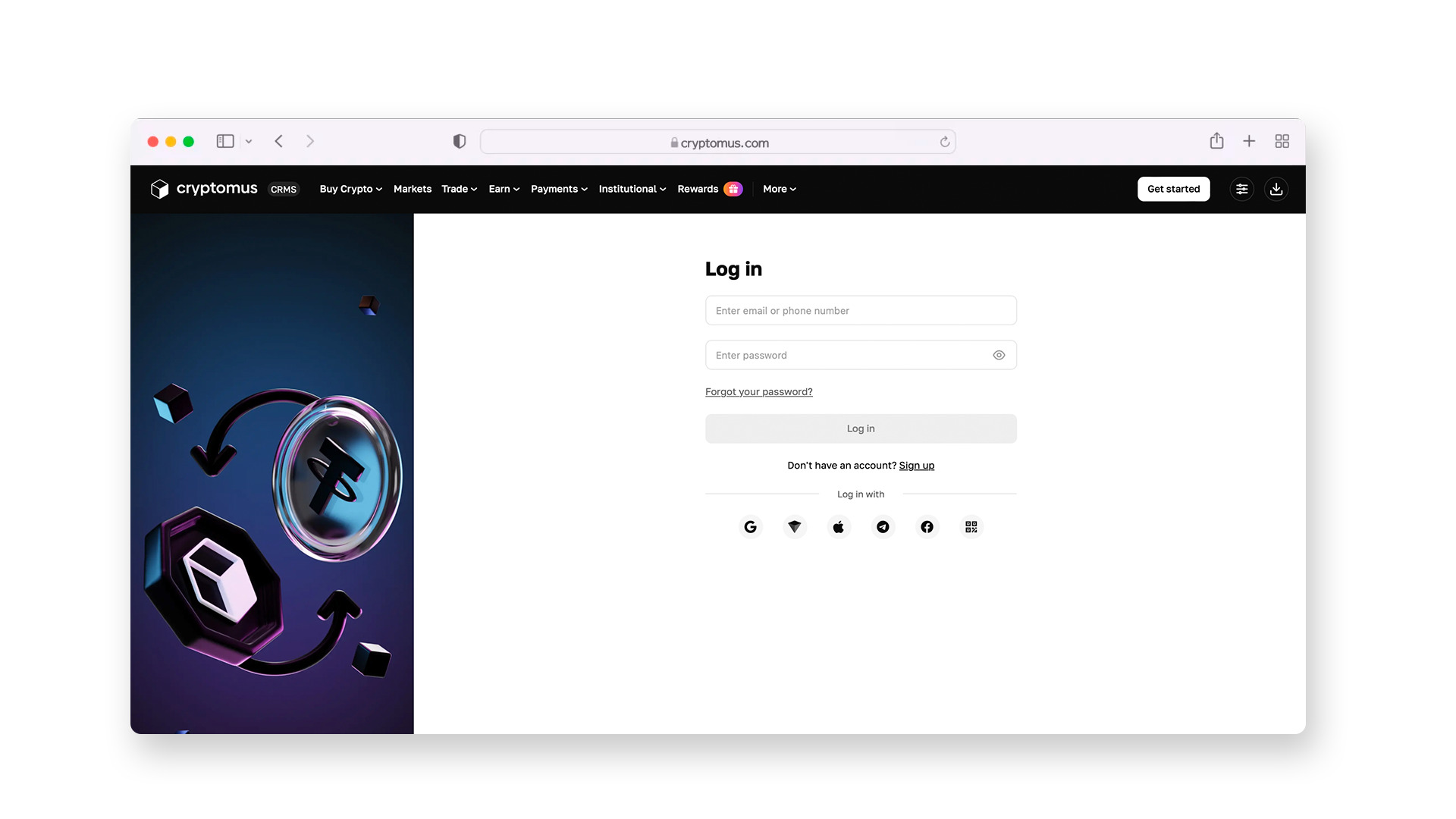
Immediately enable two-factor authentication (2FA). This system requires a special code from an app on your phone when logging into your wallet or sending funds. Without this code, no one can access your money—even if they know your password.
Step 3:
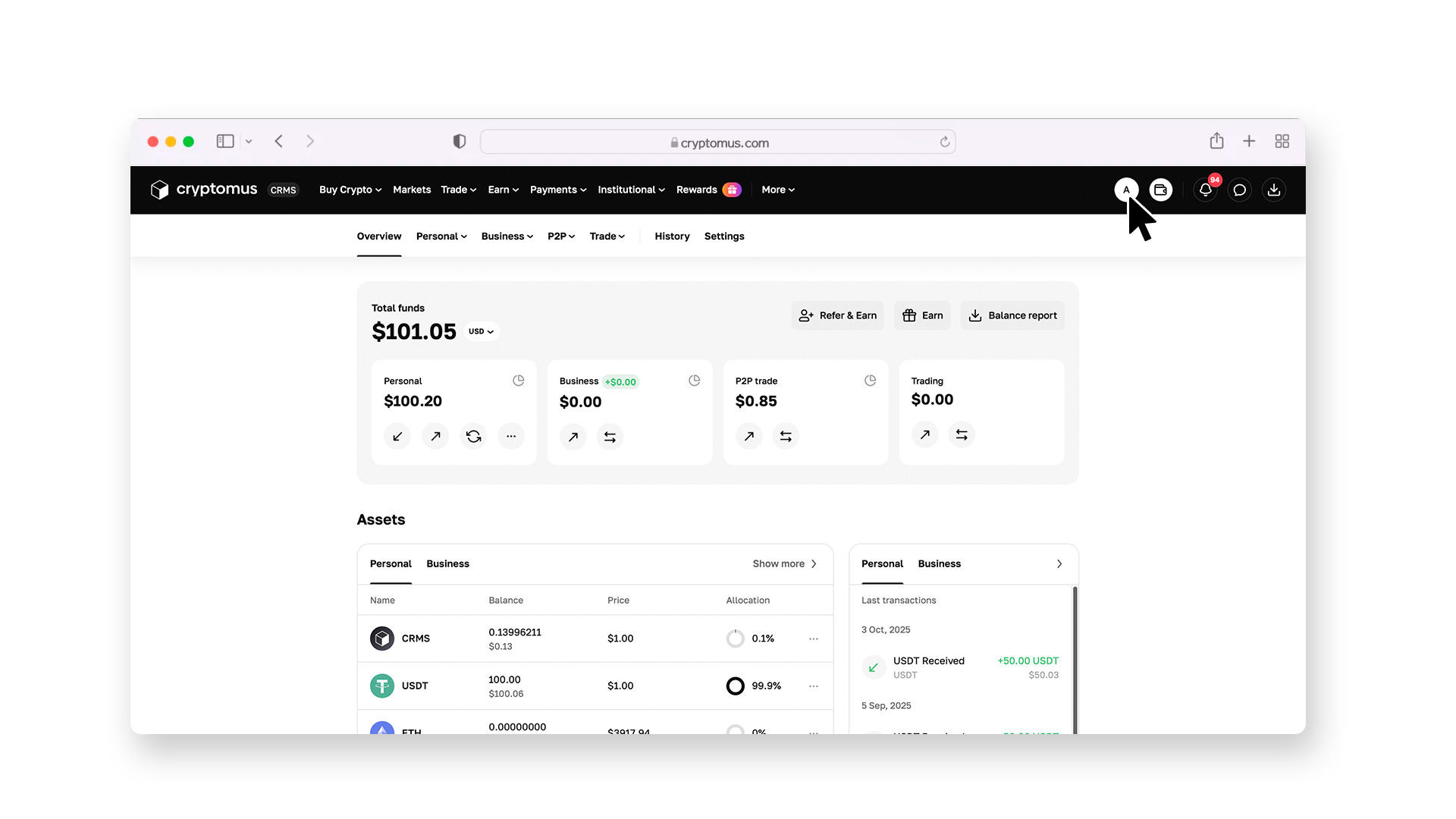
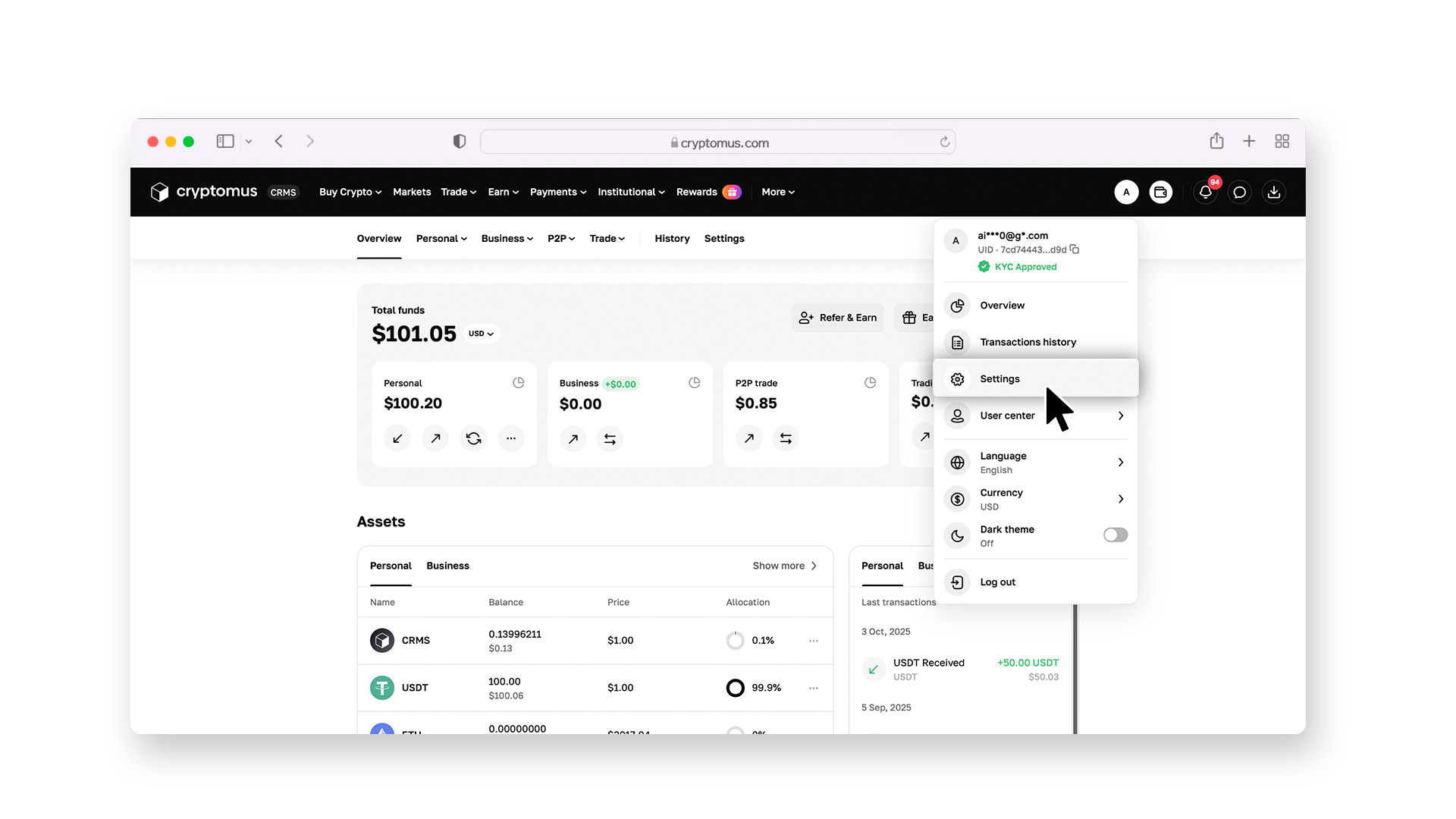
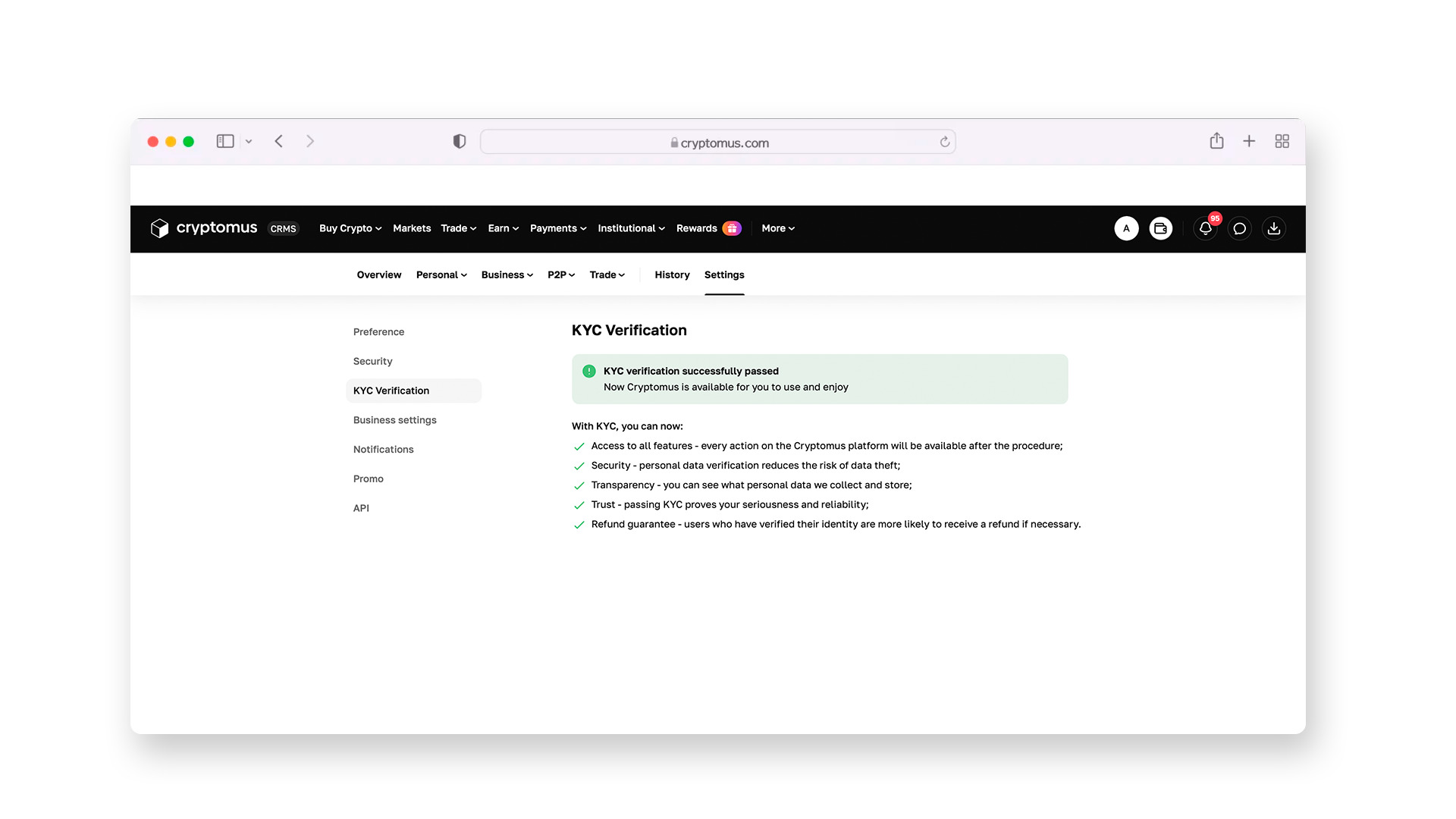
To start trading, you’ll need to complete KYC verification. You’ll be asked to photograph your passport and take a selfie. The system will automatically verify your identity. Once approved, you’ll be able to conduct transactions.
Step 4:
Go to the P2P section.
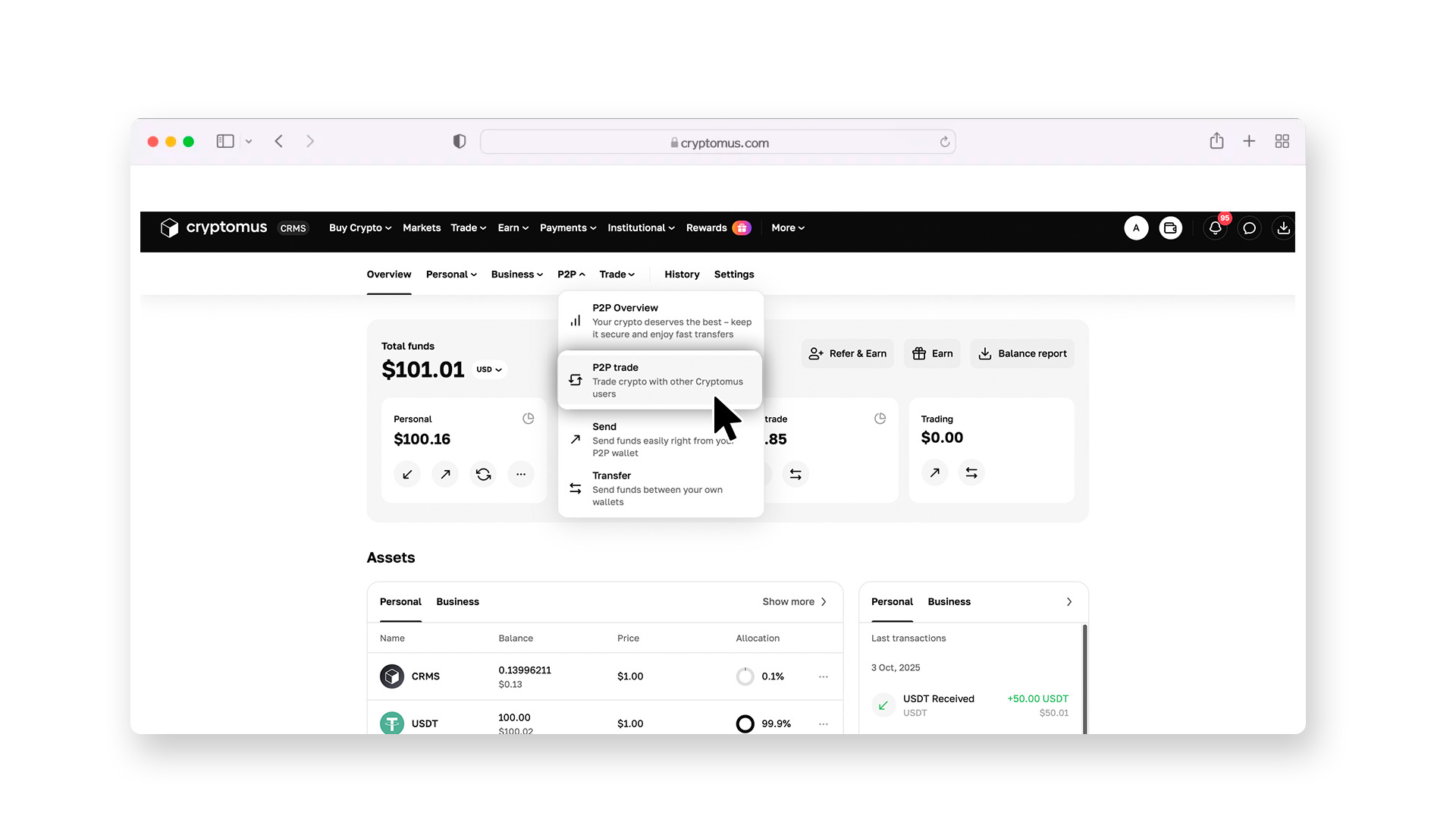
To make searching easier, set the filters. Specify that you want to buy USDT with Indian rupees (INR) and select UPI as the payment method.
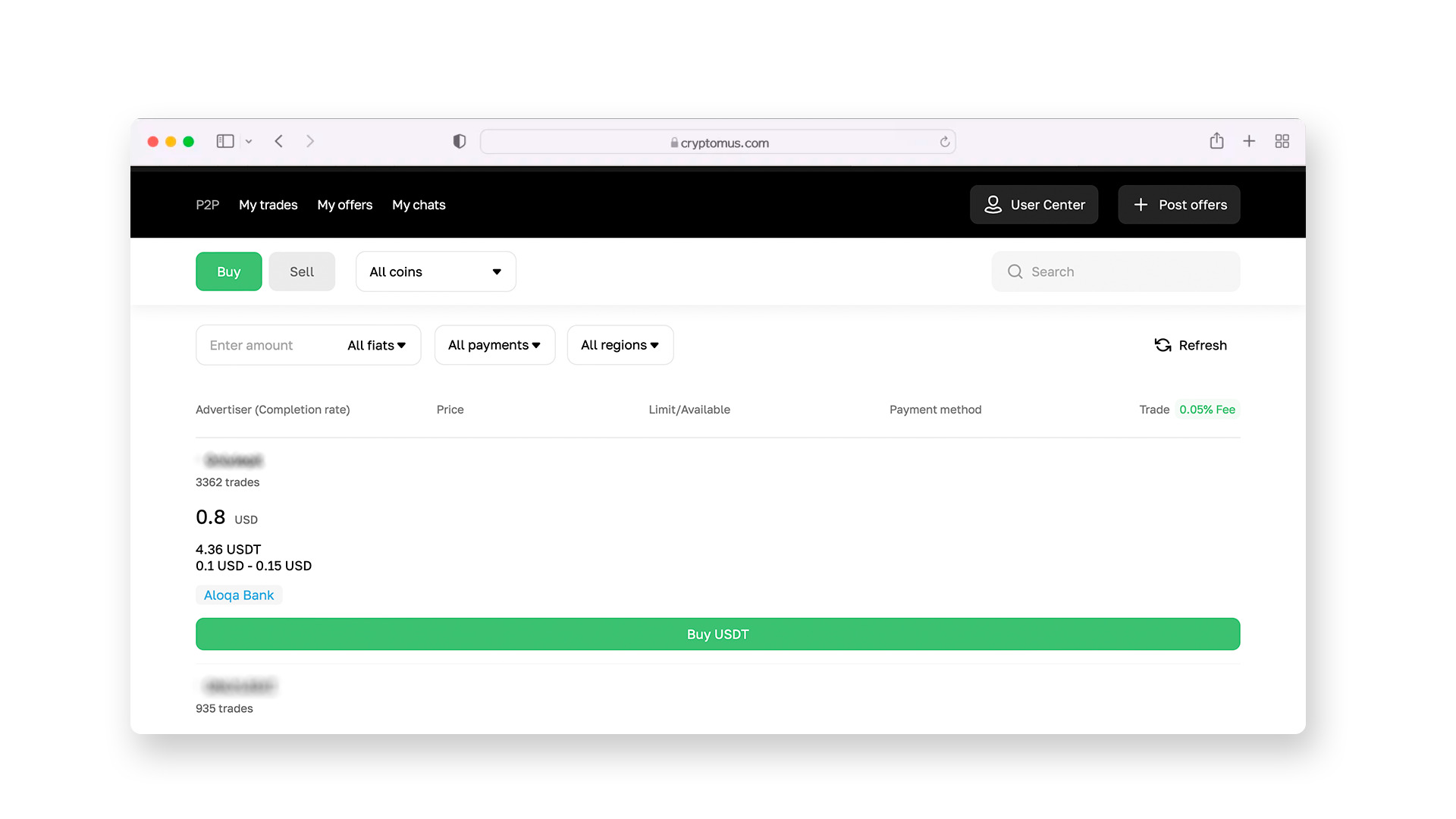
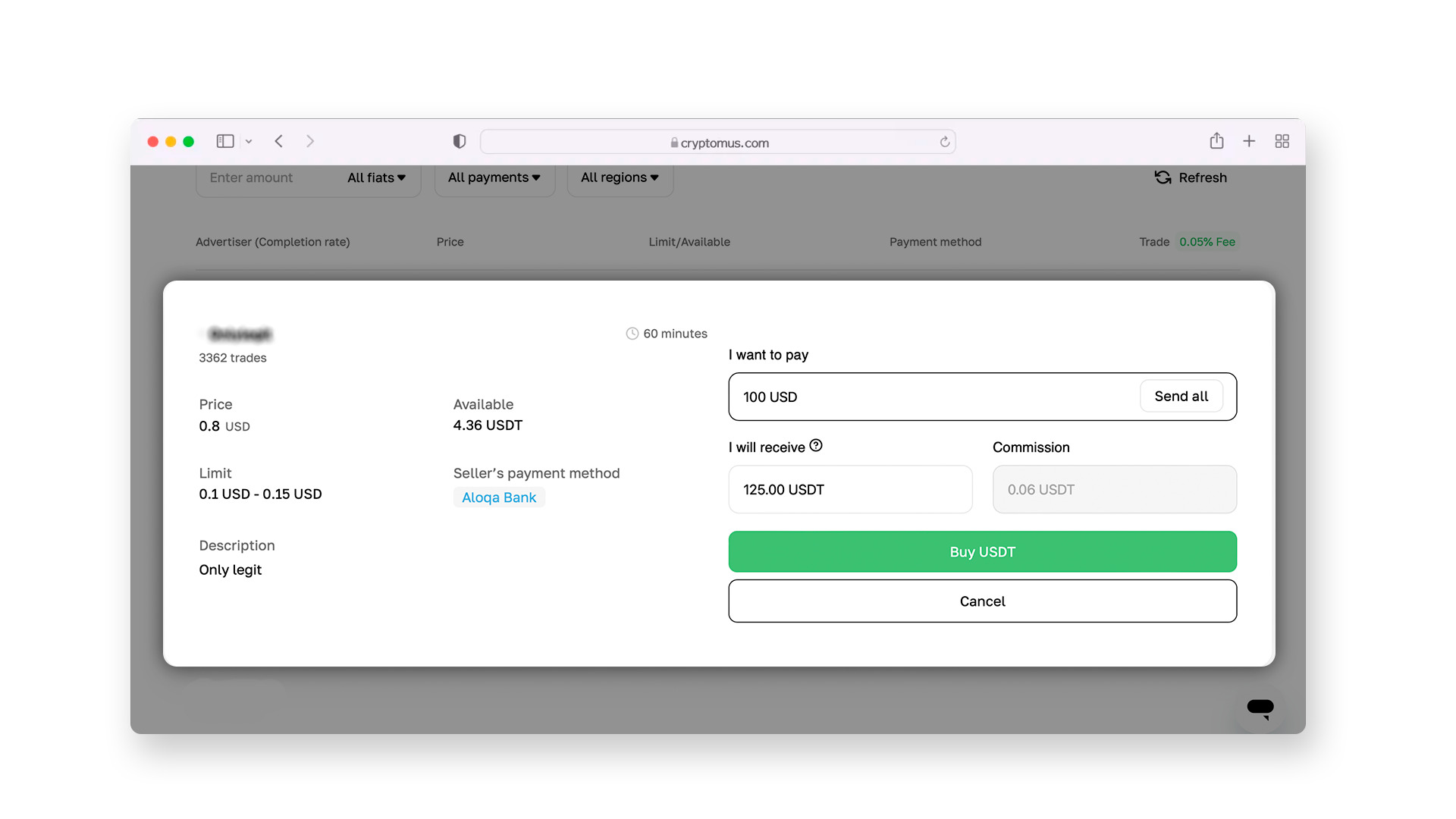
You’ll then see a list of suitable offers from sellers. Choose a seller with a high completion rate (preferably over 90%) and positive feedback from other users.
Step 5:
After selecting a seller, a chat window will open where you can discuss the transaction details. The seller will provide their UPI ID for the payment transfer.
Once you agree on the terms and click the “Buy” button, the exchange will lock the seller’s coins in a special account. This is called the escrow system. The seller cannot withdraw their coins until the transaction is completed, which fully protects you from fraud.
Step 6:
Click the “I paid” button on the exchange. As soon as the seller confirms receipt of the funds, the USDT will instantly appear in your wallet.
How to Send USDT?
Once USDT is in your wallet, you can either keep it stored there or send it to someone else. On Cryptomus, this process is very simple:
1. Get the address. Ask the recipient for their wallet address and the network they are using.
2. Open your wallet. In your personal Cryptomus wallet, find and click the “Send” button.
3. Enter the details. Copy and paste the recipient’s address. Carefully check the first and last 5 characters—they must match exactly.
4. Choose the network. Select the network you agreed on earlier (most commonly Tron (TRC-20) or Ethereum (ERC-20)). Remember: if you send funds on the wrong network, they can be permanently lost.
5. Enter the amount. Specify the amount of USDT you want to send. Keep in mind that the blockchain charges a small transaction fee (network fee). For example, if the recipient needs to receive exactly 100 USDT and the fee is 1 USDT, you must send 101 USDT. On Cryptomus, the fee is calculated automatically, and you’ll see the final amount before confirming.
6. Confirm the transfer. For security purposes, the exchange will ask you to enter a confirmation code (2FA), which will be sent to your authentication app. After entering the code, the system will process your transfer.
Remember three key tips: activate all available account security settings, trade only with highly rated sellers, and always double-check the address and network before clicking send. With this approach, using USDT becomes just as simple and secure as regular transfers through UPI.
Although UPI and cryptocurrency are different systems, platforms help bridge the gap between them. This allows you to combine the convenience of familiar payment apps with the flexibility of a digital dollar used worldwide.
We hope this guide helped you understand the process. If you still have questions or would like to share your experience, feel free to leave a comment!


