

Daniel Brooks
Crypto expert turning complex theory into clear guides.
How to Buy USDT with Swift Transfer
As buying cryptocurrency is becoming increasingly common and accessible, there are many ways to do it. As a rule, this is done via third-party platforms (bank cards or payment services) that are used to pay for the coins. One such service is Swift, often chosen by individuals and businesses for international money transfers. In this article, we explain in detail how to buy USDT using Swift step by step and how to send the coins from one crypto wallet to another.
What Is Swift?
Swift (Society for Worldwide Interbank Financial Telecommunication) doesn’t transfer money directly; it ensures banks and payment services have smooth and secure transactions. It is also identified as a global network for exchanging messages and payment instructions for secure transfers.
The word “global” is used here for a reason: the service connects more than 11,000 institutions in over 20 countries, which makes it the basis for cross-border financial operations. The service only works with fiat currencies, but it can also be used for crypto transactions, including purchasing, with the help of a third party.
How to Buy USDT with Swift?
The most common and convenient option of the third party for buying USDT with Swift is a P2P platform. In this case, you are able to trade crypto with people around the world. Funds are transferred from one bank account to another, so make sure your bank works with Swift beforehand.
Step 1: Register on Swift
If you don't have a Swift account yet, you need to create one. To do this, you’ll be required to enter your first name, last name, phone number, and email address. Then come up with a strong password to log in, and you’ll have access to your profile.
Step 2: Create an Account
On Cryptomus, you’ll need to enter your name, email address, and create a strong password. After registering, you’ll be able to log in to your account using Telegram, Google, or Facebook. If you choose a different P2P platform, the process will be almost identical.
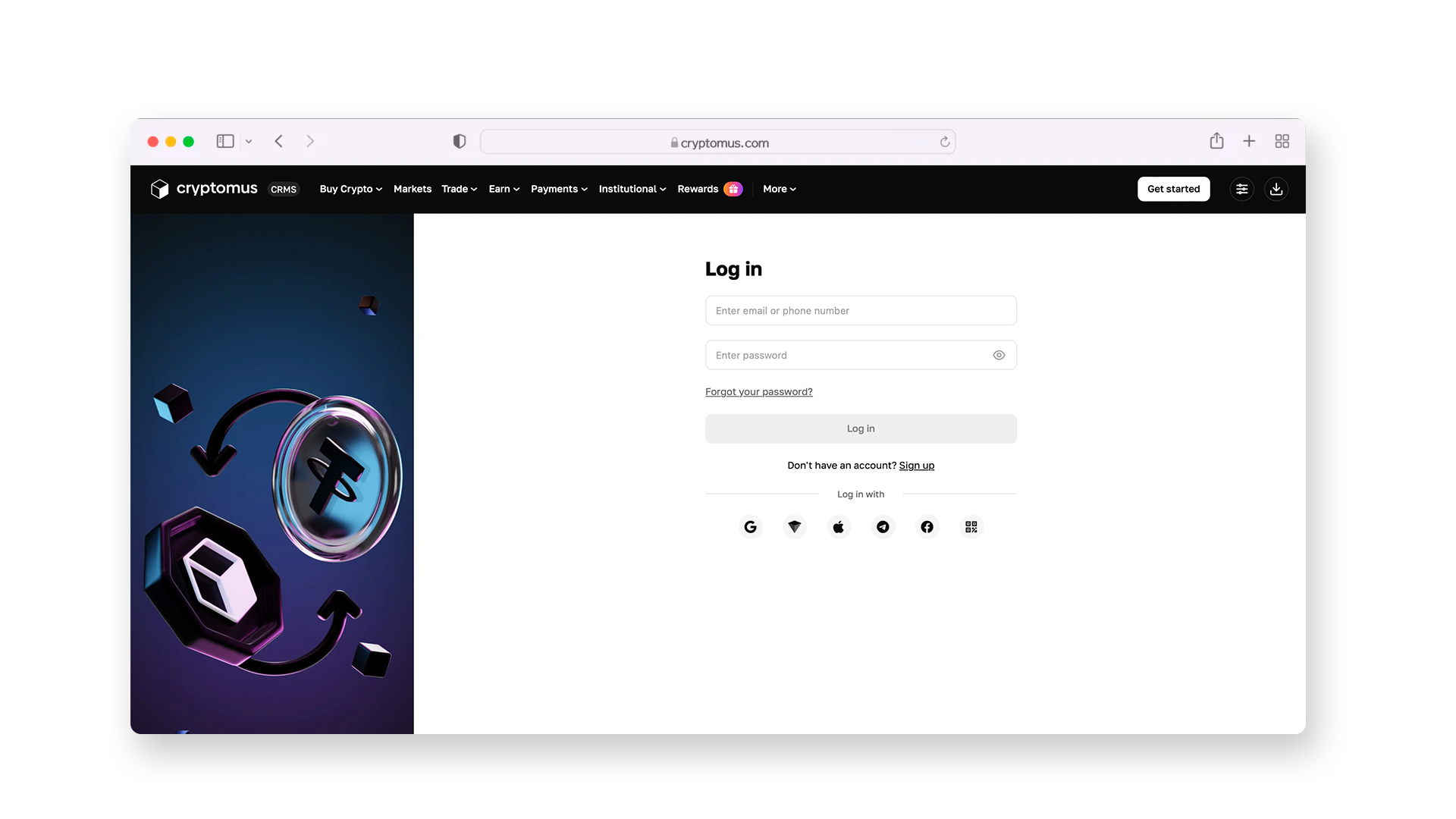
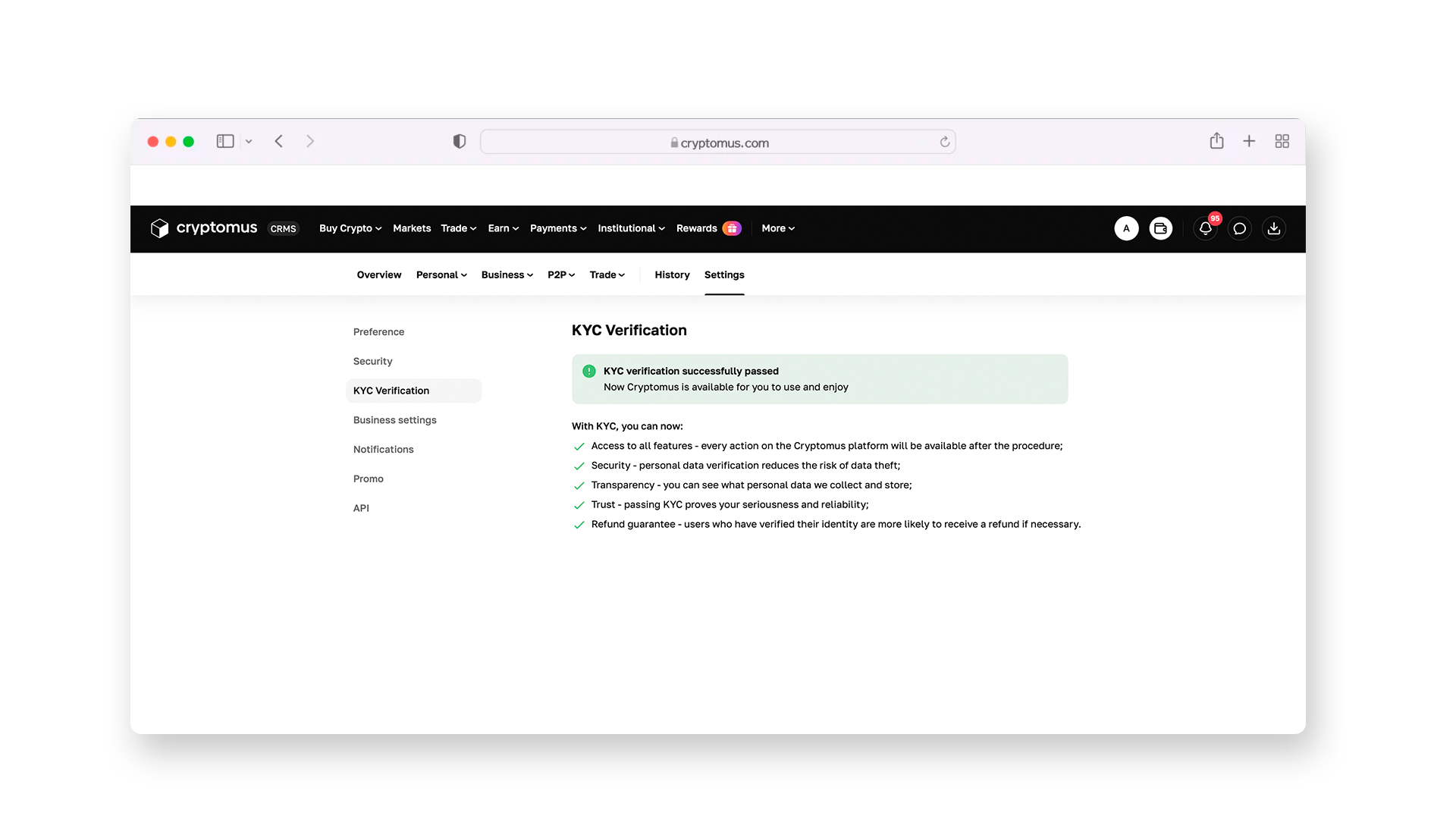
Then you’ll have to complete a short and one-time KYC procedure, after which you’ll get access to all the platform's services, including P2P exchange. The instructions below show what you need to do for this.
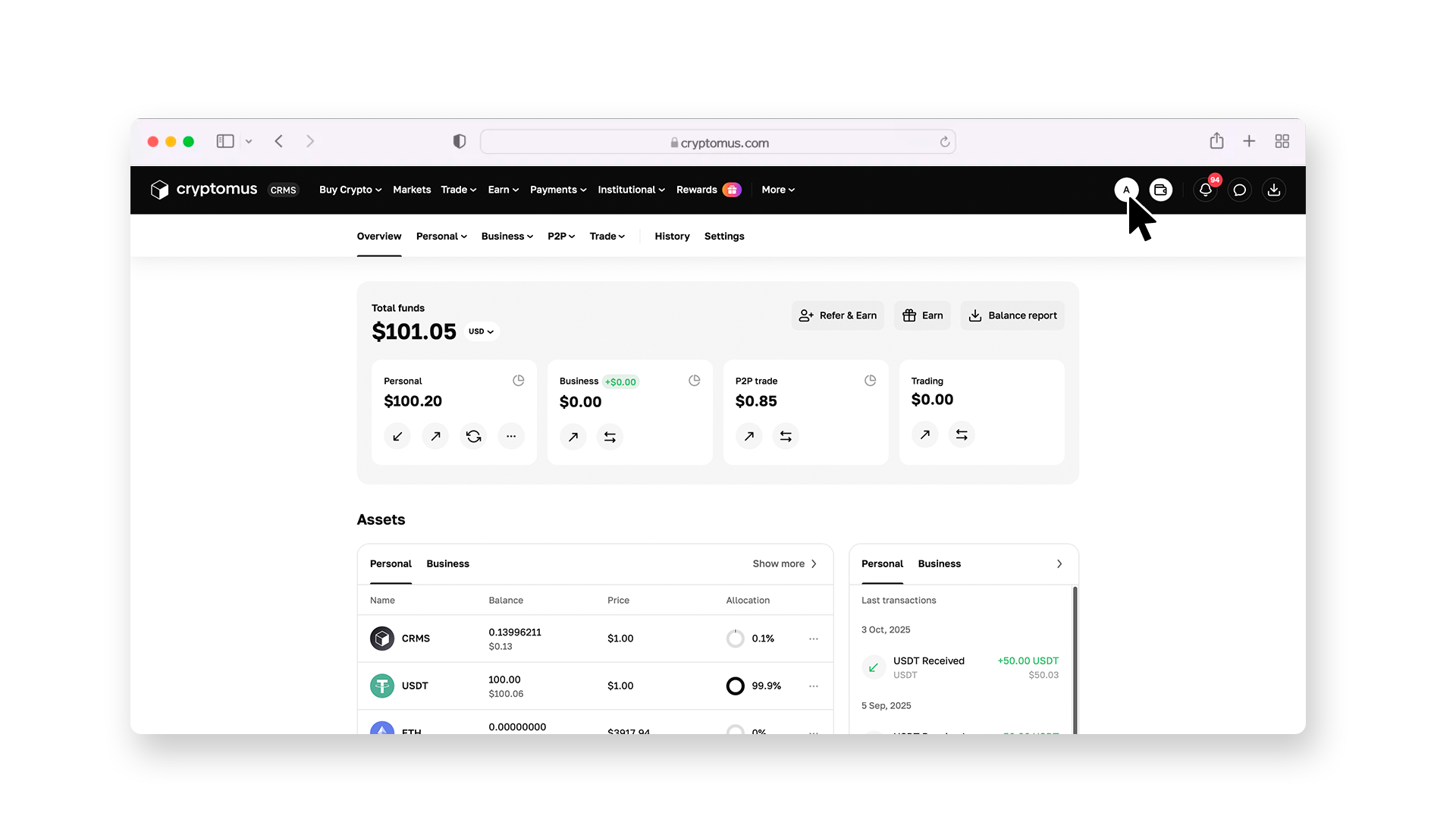
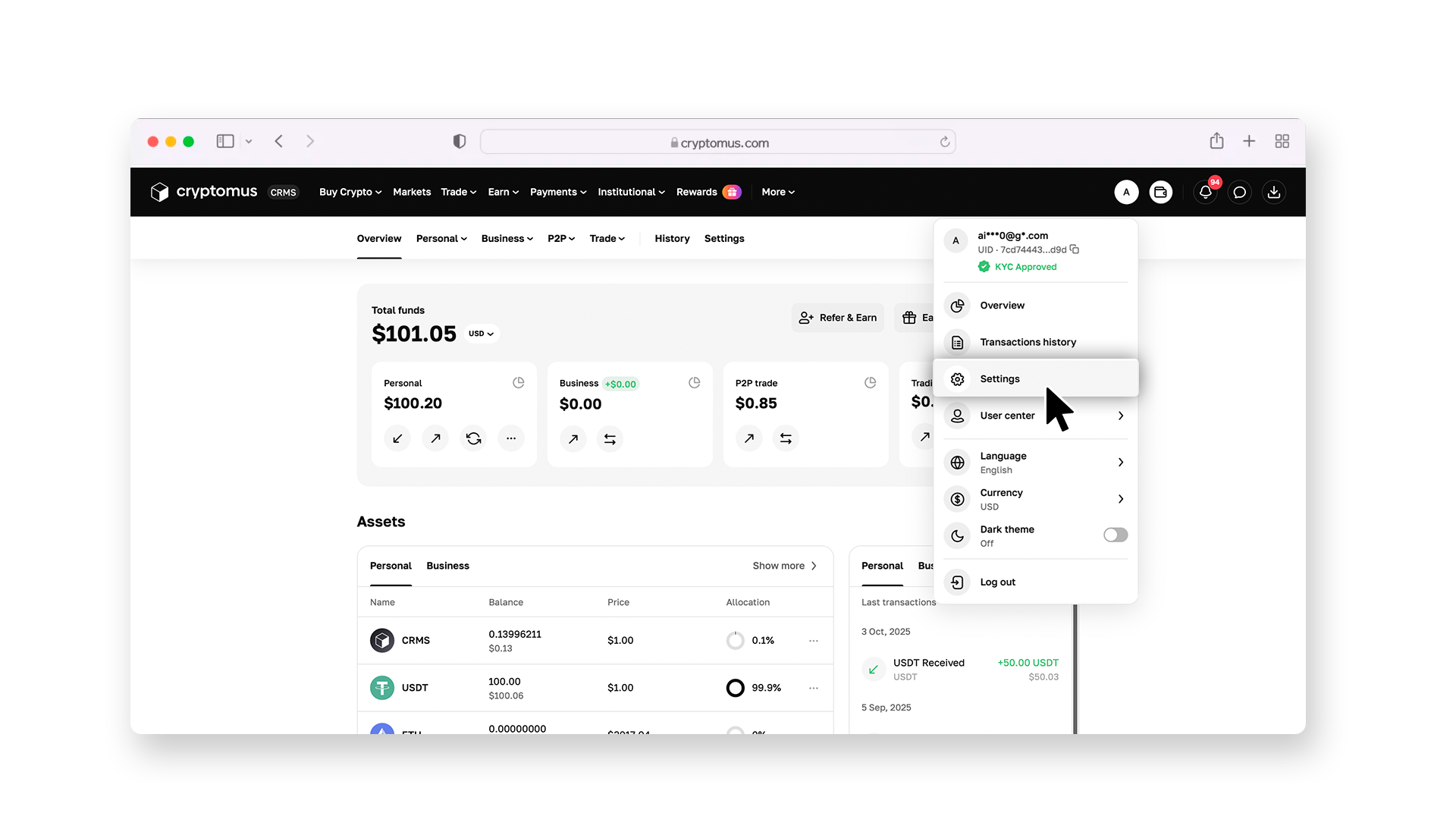
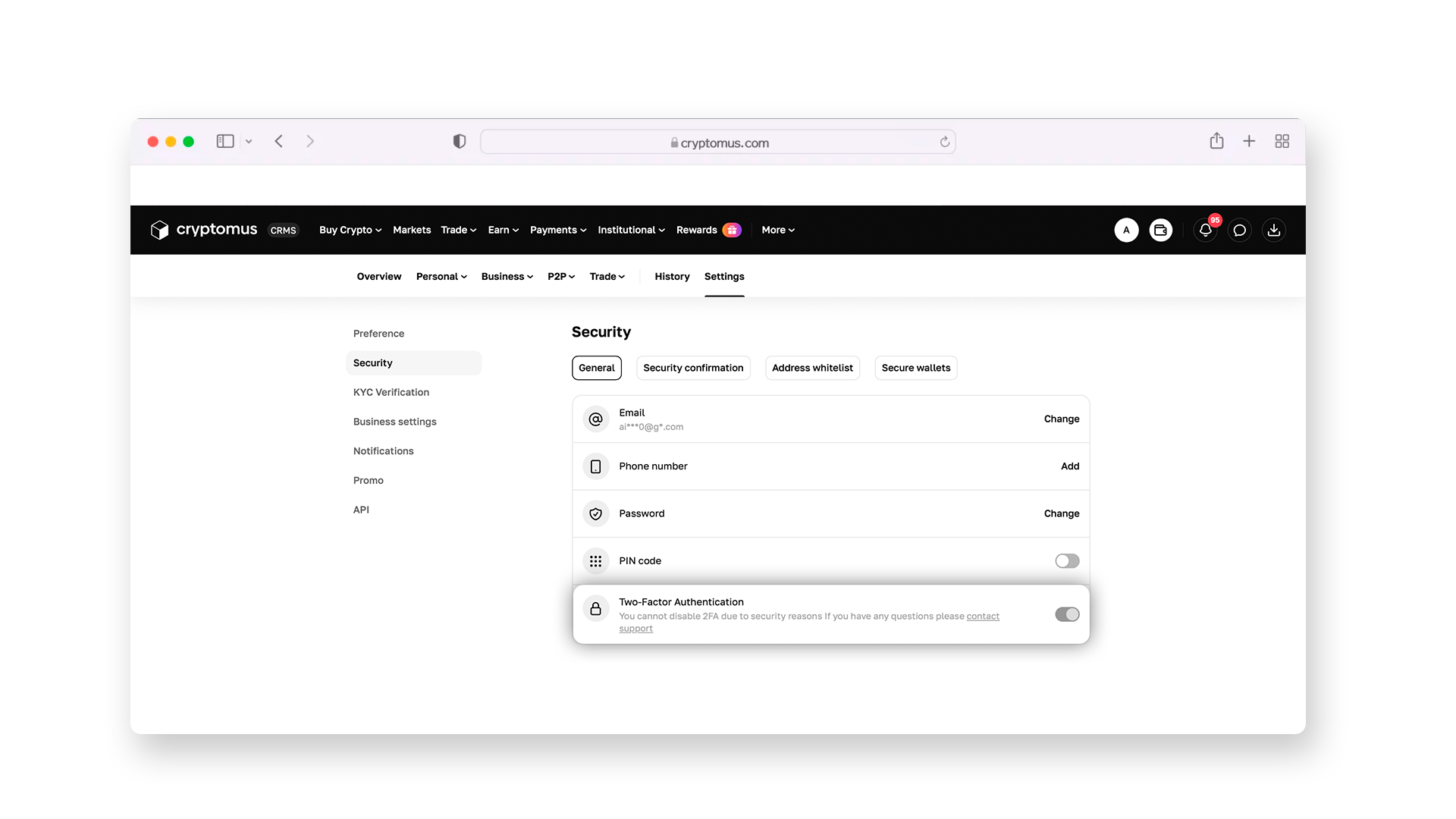
Then take care of your security by enabling two-factor authentication, which will protect your transactions.
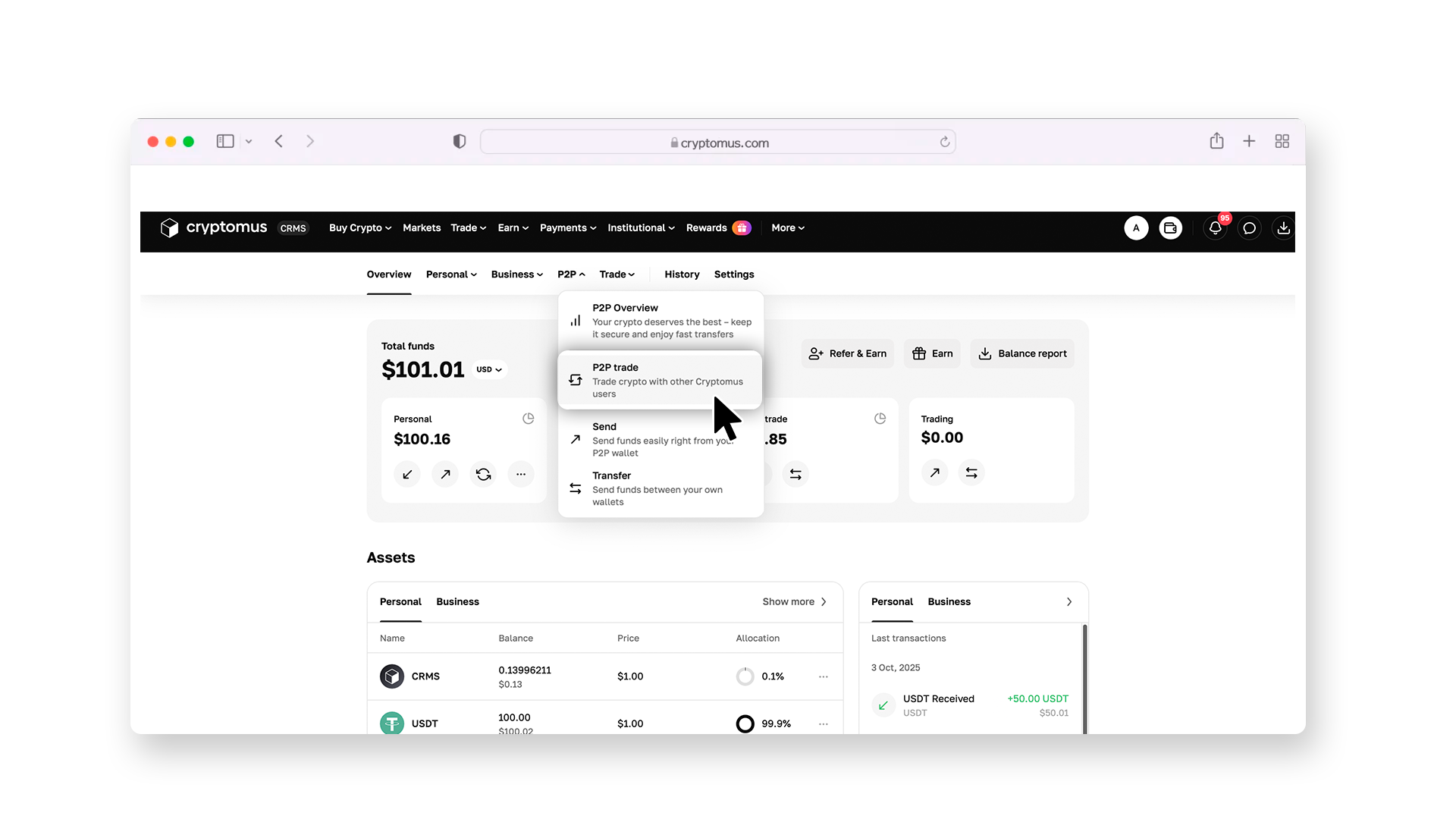
Step 3: Set up Filters
Go to the overview page and select the P2P section.
There, go to the “Buy” section and select USDT as your preferred cryptocurrency. In the “All payments” drop-down list, select Swift so that the platform shows you those sale listings that also have notified Swift in their payment methods.
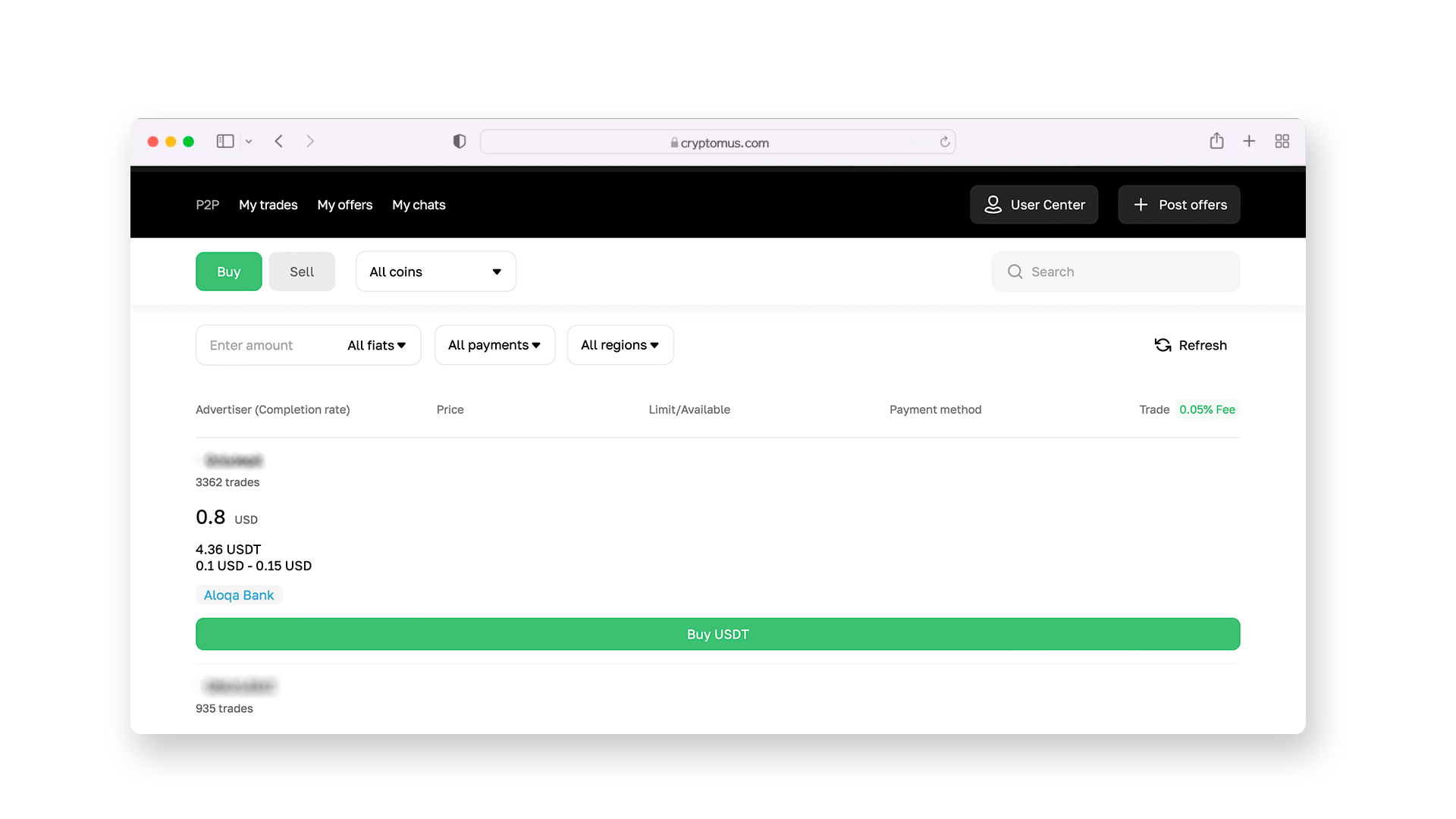
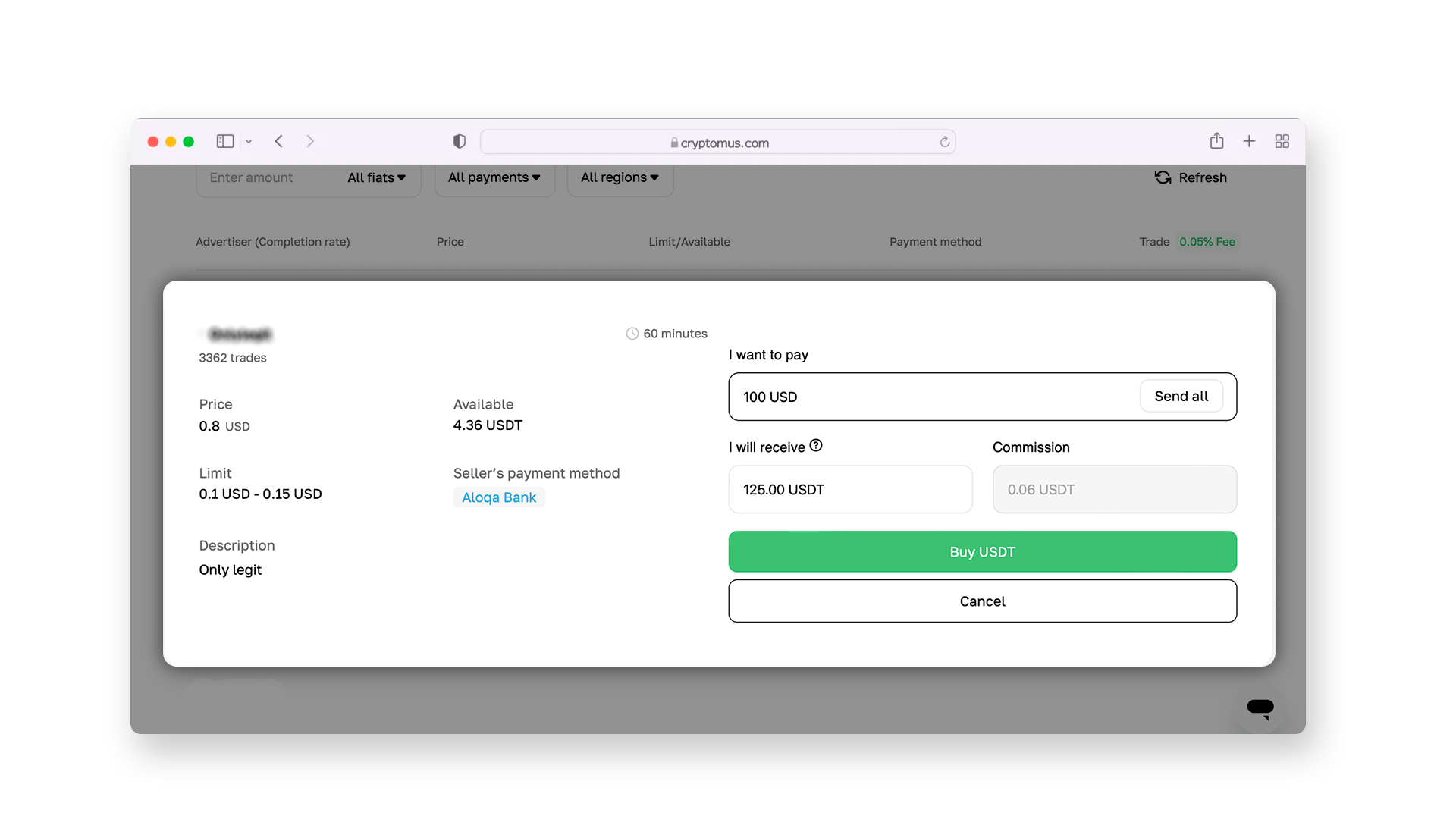
All that remains is to enter the number of coins you want to buy and confirm by clicking “Buy USDT”.
Step 4: Select a Seller
Review ads that appeared, paying attention not only to the exchange rate but also to the seller's rating. Look at their number of closed deals and read reviews from other users to make sure that this is a reliable trading partner.
Step 5: Make a Deal
Open a deal—this will allow you to request the seller's bank account details in the chat, to which you’ll send the payment for USDT. After that, open your banking app, paste the seller’s account details, and enter their bank's Swift code. After sending, on the P2P platform, click on “Transferred, notify seller”, and the seller will send USDT to your Cryptomus wallet.
Check your wallet balance and make sure that the USDT has arrived. Notify the seller that everything went well. Then close the deal on the P2P platform and leave feedback about the seller if you want.
 Buy USDT now with your bank cardPurchase USDT on Cryptomus with a card in a few clicks. Secure payments, fast execution, and simple interface.
How to Send USDT?
After purchasing USDT, you may need to transfer it somewhere—whether to your other crypto wallet for storage or to another person. To do this, you’ll need the wallet address or QR code—save it. Here is the basic algorithm for further actions:
-
Go to the transfers section within the platform (for example, on Cryptomus, it is “Send”).
-
Select USDT as the desired cryptocurrency for transfer and specify the network (for example, TRON or Ethereum).
-
Add the wallet address where to transfer funds. Double-check it, as even the slightest mistake can lead to the irreversible loss of funds.
-
Specify the number of coins to be sent, considering the fee charged by the platform for transfers to external wallets. If you are sending money within the Cryptomus platform, there won’t be any commission.
-
Click on the “Send” button and enter the 2FA code to confirm the transfer.
Although crypto transfers only take a few seconds to minutes, try to choose the most optimal time to send your USDT coins to increase the chances of a fast transfer.
Have you ever bought USDT? Perhaps you've already done it using Swift? Share your experience in the comments!


